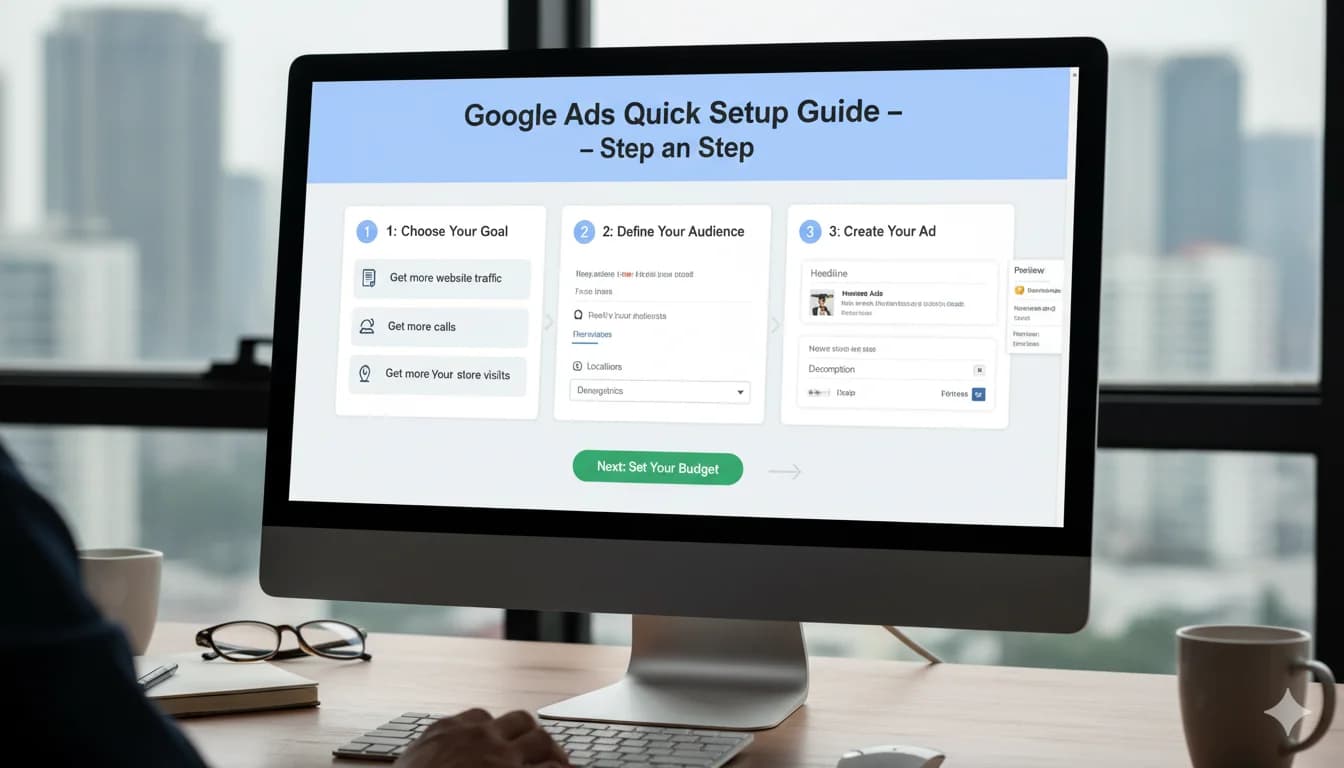
How to Create a Google Ads Campaign: Steps for 2026
Create a Google Ads campaign step by step: goal, budget, keywords, ads & tracking – the walkthrough that helps you avoid the classic expensive mistakes.
TL;DR
You create a Google Ads campaign step by step: switch to Expert Mode, pick a goal and campaign type, set location targeting to "Presence", define a daily budget, start with "Maximize clicks" plus a CPC cap, build tightly themed ad groups with phrase and exact match keywords, write responsive search ads – and set up conversion tracking before launch, not after. Only move to Smart Bidding once you have enough conversion data.
How to Create a Google Ads Campaign: Step-by-Step for 2026
You want to create your first Google Ads campaign – properly, not the way Google nudges you through it in fast-forward? Then you're in the right place. This article is the practical click-by-click walkthrough: from an empty account to a live search campaign. If you first want to understand what the auction, Quality Score and campaign types actually mean, start with the Google Ads basics guide – this post is about doing.
Before You Start: Expert Mode and Account Structure
Most important click first: when you create a new account, Google pushes you into a "Smart campaign" – a heavily simplified version with very little control. Choose Expert Mode instead (or "Create a campaign without a goal's guidance"). Only there do you get access to keywords, match types and bidding settings.
Next, a quick look at structure, because every campaign lives inside this hierarchy:
Account
└── Campaign          → budget, location, bidding strategy
    └── Ad group      → one tightly themed keyword bundle
        ├── Keywords  → what you want to show up for
        └── Ads       → what the user sees
Rule of thumb: one campaign per goal and budget bucket. A plumbing business advertising both emergency call-outs and bathroom renovations should separate the two – the topics have different click prices, urgency and margins.
One more tip from my day-to-day work: under "Recommendations", turn off auto-apply recommendations. Otherwise Google will later change settings on its own that you deliberately configured differently.
Step 1: Choose Campaign Goal and Campaign Type
Google first asks for a goal (sales, leads, website traffic …). You can pick one – or deliberately choose "Create a campaign without a goal's guidance" to keep all options open. For beginners the difference is small; the campaign type matters far more.
For your first campaign I almost always recommend: Search. Here you reach people actively searching for what you offer – the highest purchase intent Google has to sell. Performance Max, Display or YouTube are later chapters.
Two checkboxes you should untick during setup:
- Include Display Network: off. Otherwise your search budget ends up on banner placements with a completely different user intent.
- Search partners: also off for the start – test cleanly on Google Search first.
Step 2: Set Locations and Language
Enter the locations where your customers actually are – cities, regions or a radius around your business. And then comes the setting that, in my experience, gets overlooked most often:
Under Location options, the default is "Presence or interest". That also reaches people who are merely interested in your area – say, someone in Hamburg searching for "plumber Munich" without ever going there. For most local businesses, "Presence: people in or regularly in your targeted locations" is the better choice.
For language, pick the language of your target audience. Keep in mind: according to Google, language targeting uses several signals – including the query language, user settings and other language signals derived by Google.
Step 3: Budget and Bidding Strategy – Honest About the Learning Phase
Set Your Daily Budget
Google Ads works with a daily budget. Good to know: on individual days, Google may spend up to twice your daily budget according to its own documentation – but never more than daily budget × 30.4 on a monthly average. A €30 daily budget therefore means a maximum of roughly €912 per month, even if single days look more expensive.
How high the budget should be depends on your click prices and your target CPA. An example calculation as a thinking model: if a click in your industry costs €2 and your website turns 100 visitors into 2 inquiries, your theoretical cost per inquiry is around €100. If you want to see several inquiries per week, €5 a day obviously won't cut it. You can run this calculation with your own numbers in the Google Ads budget calculator.
Bidding Strategy: Maximize Clicks vs. Maximize Conversions
This is where many new campaigns fail – so let's be blunt:
| Strategy | When it makes sense | |----------|---------------------| | Maximize clicks (with a max CPC cap) | New campaign without conversion history – the honest start | | Maximize conversions | Tracking is live and conversions come in regularly | | Target CPA / Target ROAS | Stable conversion base, as a rule of thumb ~30 conversions in 30 days |
"Maximize conversions" sounds tempting – but without conversion data, the algorithm simply has no learning signal and often bids aggressively into the void. From my experience: for most new accounts, "Maximize clicks" with a maximum CPC limit is the better entry point. You collect data in a controlled way, see real click prices, and switch later based on data. Which strategy fits when is covered in detail in my article on Google Ads bidding strategies.
Step 4: Build Ad Groups and Keywords
Tightly Themed Ad Groups
Each ad group should bundle one topic – so tightly that a single ad fits every keyword in the group perfectly. A typical scenario for our fictional plumbing business:
Campaign: Emergency Plumber Munich
├── Ad group: Blocked drain
│   └── Keywords: "blocked drain emergency", "drain clogged help" …
├── Ad group: Burst pipe
│   └── Keywords: "burst water pipe emergency", "pipe burst what to do" …
└── Ad group: Heating failure
    └── Keywords: "heating broken emergency service" …
5 to 20 keywords per ad group is plenty. More topics = more ad groups, not more keywords in one.
Match Types: How You Control What You Show Up For
The keyword match types decide how broadly Google interprets your keywords:
- Exact match
[blocked drain emergency]– only this search intent, maximum control - Phrase match
"blocked drain emergency"– the meaning must be included - Broad match
blocked drain emergency– Google interprets generously
My recommendation for the start: phrase and exact. Broad match can be powerful later with Smart Bidding and clean conversion data – without both, it burns budget on irrelevant queries. Also create a negative keyword list from day one (free, cheap, jobs, training …). How to find the right keywords systematically is covered in the guide to keyword research.
Step 5: Write Responsive Search Ads (RSAs)
With responsive search ads you provide up to 15 headlines and 4 descriptions; Google combines them into the best-fitting ad for each query. To make that work:
- Use as many of the 15 headlines as possible – and make them genuinely different (service, benefit, location, trust, call to action), not five variants of the same sentence
- Include your keyword in at least 2–3 headlines – it increases relevance for users and Quality Score
- Concrete benefit over empty phrases: "On site in 60 min" beats "Your competent partner"
- Use pinning sparingly: every pinned element takes combinations away from the system
- Add ad assets: sitelinks, callouts and the call asset cost nothing extra and make your ad noticeably bigger
At least two RSAs per ad group give you a basis for comparison. Wording, examples and typical copy mistakes are in the deep dive on writing Google Ads copy.
Step 6: Conversion Tracking – BEFORE Launch, Not After
The most common sequencing mistake of all: launch the campaign, "we'll sort out tracking later". The result: you spend money without knowing which keywords bring inquiries – and Smart Bidding stays permanently out of reach.
Before launch you need at minimum:
- A defined conversion action (form submission, phone call, purchase)
- The Google tag or GA4 import that measures this action
- A test: trigger the conversion yourself and check that it arrives
The complete setup – including the GA4 link and Enhanced Conversions – is laid out step by step in the guide to setting up conversion tracking. Plan a dedicated work block for it; it's the part of the setup that pays off the most.
Pre-Launch Checklist
- [ ] Expert Mode active, no Smart campaign
- [ ] Campaign type Search; Display Network and search partners disabled
- [ ] Location option set to "Presence"
- [ ] Daily budget deliberately calculated (not guessed)
- [ ] Bidding strategy: Maximize clicks with a CPC cap
- [ ] Ad groups tightly themed, 5–20 keywords, phrase/exact
- [ ] Negative keyword list created
- [ ] At least 2 RSAs per ad group, assets added
- [ ] Conversion tracking set up and tested
- [ ] Auto-apply recommendations turned off
- [ ] Payment details and billing settings checked
The First 30 Days: Observe, Don't Fiddle
After you submit, Google reviews your ads – according to Google, usually within one business day. Then comes the phase where many beginners optimize their good groundwork back into the ground. My roadmap:
Week 1: Is everything working technically? Ads approved, clicks coming in, conversions being measured? No content changes yet.
Weeks 2–4: open the search terms report once a week. Add irrelevant queries as negative keywords – in this phase, that's the single most effective lever. Rework ads with a clearly weaker click-through rate.
What you should not do: change bids, budgets and settings daily. After bigger changes, the system needs a learning phase – Google itself talks about roughly a week – and constant tinkering keeps resetting it.
From ~30 conversions in 30 days: consider switching to "Maximize conversions" or Target CPA. This is where the real optimization work begins.
Conclusion: A Clean Setup Beats a Fast Setup
Creating a Google Ads campaign isn't rocket science – but the order of operations decides everything: structure and tracking first, traffic second. In my experience, the three most expensive shortcuts are the Smart campaign, "Maximize conversions" without data, and launching without conversion tracking. Avoid those three and you're already ahead of a large share of new accounts.
If you'd rather have the setup built professionally from day one – including account structure, keywords, ads and tracking – I take care of that as part of my Google Ads setup service starting at €1,500. You get a launch-ready account and can run it yourself afterwards.
Frequently Asked Questions
How much does it cost to create a Google Ads campaign?
Creating the campaign itself is free – you only pay when someone clicks your ad. You set the budget yourself and can change it at any time. What a click costs depends heavily on your industry and competition. Instead of copying a one-size-fits-all number, run your own numbers through a budget calculator to find a sensible starting budget.
How long does it take to create a Google Ads campaign?
Simply clicking through the account takes maybe an hour – a proper setup with keyword research, ad copy and conversion tracking is more like one to several working days. After you submit, Google reviews your ads; according to Google, this approval usually takes no more than one business day. So don't plan for the campaign to drive revenue the same day.
Which bidding strategy is best at the start?
Without conversion data, Smart Bidding has nothing to optimize toward. That's why "Maximize clicks" with a maximum CPC limit is the more honest start for most new campaigns. Once conversion tracking is live and conversions come in regularly – as a rule of thumb around 30 in 30 days – you can switch to "Maximize conversions" or Target CPA.
How much budget do I need to get started?
Enough to collect meaningful data – which depends directly on the click prices in your industry. A simple example calculation: if a click costs €2 and 2% of visitors convert, you're looking at roughly €100 per inquiry on paper. With a €5 daily budget, it would take weeks before you have anything worth evaluating. Work backwards from your target CPA instead of starting from a wish number.
Can I launch a Google Ads campaign without conversion tracking?
Technically yes – but it's not a good idea. Without tracking you don't know which keywords and ads generate inquiries, you can't use Smart Bidding strategies, and you optimize blind. Set up at least one conversion action (e.g. form submission or phone call) before launch – the effort is manageable and pays off from the very first click.

Mijo Jurisic
Google Ads consultant & founder of MJ Marketing. Five-plus years of hands-on practice — from a self-taught start to the Google Premier Partner programme with 500+ direct Google Ads clients and €20M+ in managed media spend.
Share this article: