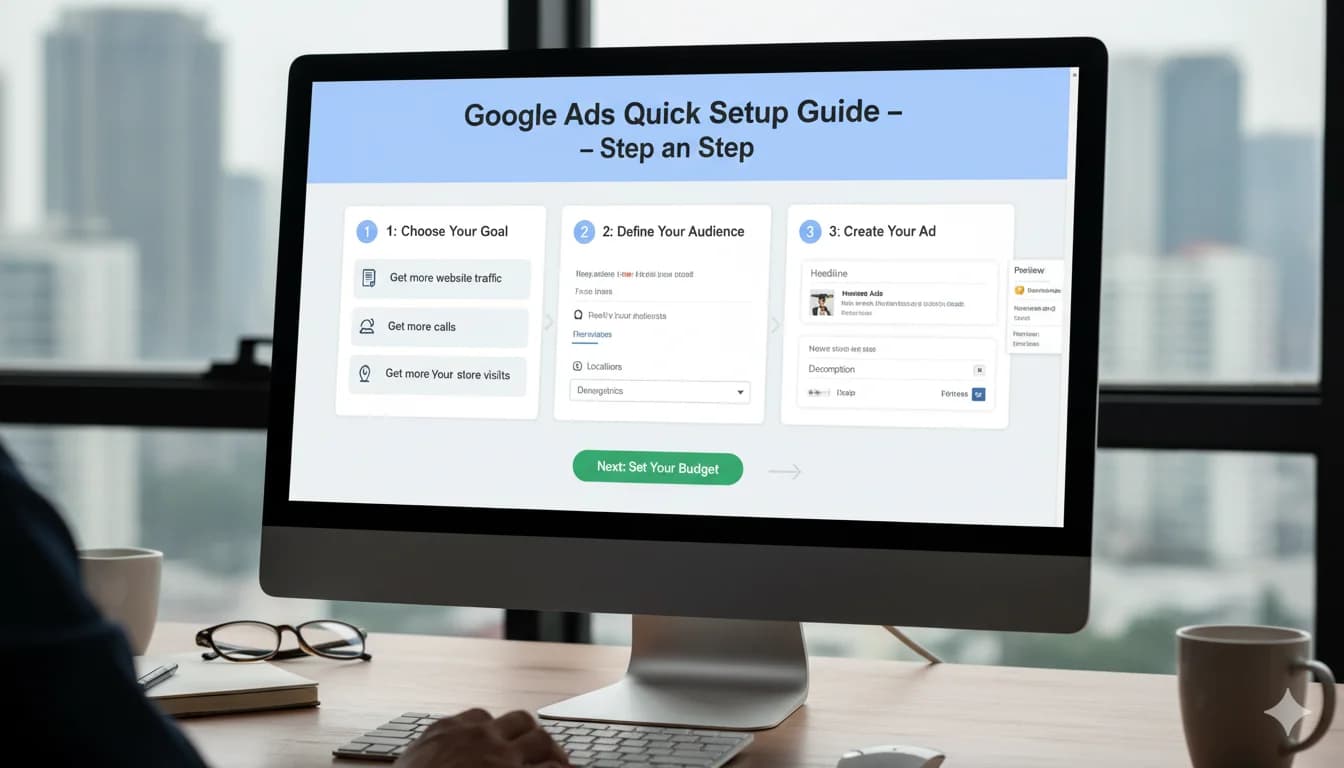
Google Ads Basics: The Complete Beginner's Guide 2025
Learn Google Ads from scratch. This beginner's guide explains all the basics: How Google Ads works, costs, setup, and creating your first campaign.
Google Ads Basics: The Complete Beginner's Guide 2025
You want to start with Google Ads but don't know where to begin? This guide explains all the basics: What Google Ads is, how it works, what it costs, and how to create your first campaign.
What is Google Ads?
Google Ads (formerly Google AdWords) is Google's advertising platform that lets you run ads in Google search results, on websites, in apps, and on YouTube.
How Does Google Ads Work?
The Auction Principle:
- User searches for "buy running shoes"
- Google starts auction between all advertisers for this keyword
- Winner ads appear above/below organic search results
- You only pay per click (Pay-per-Click)
Important: The highest bidder does NOT always win!
Google considers:
- Your bid (how much you would pay)
- Quality Score (relevance of your ad)
- Expected impact of ad extensions
Formula: Ad Rank = Bid × Quality Score × Extensions
Where Do Google Ads Appear?
1. Google Search Results (Google Search Ads)
[Ad] Running Shoes 2025 | Free Shipping
www.example.com
Premium running shoes from top brands. Order now!
2. Google Shopping (Product Listing Ads)
[Product Image]
Nike Air Zoom Pegasus 40
€129.99
example.com
★★★★★ (234)
3. Display Network (Banners on millions of websites)
- Banner ads
- On partner websites
- In apps
4. YouTube (Video Ads)
- Pre-roll (before videos)
- Mid-roll (during videos)
- Display ads on YouTube
5. Google Discover (Mobile feed)
6. Gmail (Ads in inbox)
7. Google Maps (Local ads)
The Most Important Google Ads Terms Explained
Campaign Structure
Account (Your Google Ads account) └── Campaign (e.g., "Search Ads Running Shoes") └── Ad Group (e.g., "Nike Running Shoes") ├── Keywords (e.g., "buy Nike running shoes") └── Ads (Your ad copy)
Important Metrics
Impressions
- How often was your ad seen?
Clicks
- How often was your ad clicked?
CTR (Click-Through-Rate)
- Clicks ÷ Impressions × 100
- Example: 50 clicks at 1,000 impressions = 5% CTR
CPC (Cost-per-Click)
- What does a click cost?
- Example: €100 spend at 50 clicks = €2 CPC
Conversions
- Desired actions (purchases, inquiries, calls)
CPA (Cost-per-Acquisition)
- What does a conversion cost?
- Example: €300 spend at 10 purchases = €30 CPA
ROAS (Return on Ad Spend)
- Revenue ÷ Ad Spend × 100
- Example: €1,000 revenue at €250 ad spend = 400% ROAS
Quality Score
- Google's rating (1-10) of how relevant your ad is
- Higher score = lower costs!
Keyword Match Types
Broad Match: running shoes
- Shows for: running shoes, jogging shoes, sports shoes buy, shoes for runners
Phrase Match: "buy running shoes"
- Shows for: best buy running shoes, buy running shoes online
- Not for: buy cheap running shoes (wrong order)
Exact Match: [women's running shoes]
- Shows for: women's running shoes, running shoes women, running shoes for women
- Not for: cheap women's running shoes
Negative Keywords: -used
- Your ad will NOT show for: "used running shoes"
What Does Google Ads Cost?
The Cost Structure
You only pay per click (CPC model)
- No impression costs
- Only when someone actually clicks
Average Click Costs by Industry:
- E-Commerce Fashion: €0.80-1.50
- Local Services: €2-6
- B2B Services: €3-10
- Insurance: €10-20
- Legal Services: €20-50
Minimum Budget
Technically: No minimum (theoretically €1/day possible)
Realistically for meaningful results:
- Minimum: €500/month (€17/day)
- Recommended: €1,000-2,000/month for SMBs
- B2B: €1,500-5,000/month
Budget Example E-Commerce
Monthly Budget: €1,500 Average CPC: €1.50 Expected Clicks: 1,000 Conversion Rate: 2% (realistic) Expected Sales: 20 CPA: €75
Is this profitable?
- Average Order Value: €100
- Profit Margin: 30%
- Profit per Order: €30
- ROI: -60% (not yet profitable - needs optimization!)
Your First Google Ads Account: Setup in 7 Steps
Step 1: Create Google Ads Account
1. Visit ads.google.com
2. Click "Get started"
3. Use Google account or create new one
4. Enter business information
Tip: Use your business Google account, not your personal one!
Step 2: Billing Information
Tools → Billing → Add Payment Method
→ Credit card or direct debit
Important: You're only charged when costs incur!
Step 3: Set Up Conversion Tracking (CRITICAL!)
Without tracking = burning money!
Tools → Conversions → + New Conversion Action
→ Select website
→ Choose category (e.g., "Purchase", "Form submission")
Implement Tracking Code:
- Option A: Directly in website (more complex)
- Option B: Google Tag Manager (recommended)
Test: Complete test order, check if conversion appears in Google Ads
Step 4: Create Your First Campaign
+ New Campaign → Select Goal
Campaign Goals:
- Sales: For e-commerce
- Leads: For services (forms, calls)
- Website Traffic: For awareness
- Brand Awareness: For brand building
For Beginners: Choose "Sales" or "Leads"
Campaign Type:
- Search (recommended for start)
- Shopping (for e-commerce with products)
- Display (for advanced)
- Video (YouTube)
Choose "Search"
Step 5: Campaign Settings
Campaign Name: Descriptive, e.g., "Search_RunningShoes_US"
Networks:
- ✅ Search Network
- ❌ Display Network (disable for beginners)
Locations:
- United States (or your target region)
- Tip: For local businesses only your city + radius
Languages: English
Budget: Set daily budget
- Monthly budget ÷ 30 = Daily budget
- Example: €900/month = €30/day
Bidding Strategy (for beginners):
- "Maximize clicks" (easiest option)
- Switch later to "Maximize conversions"
Step 6: Ad Groups & Keywords
Create Ad Group:
Name: "Women's Nike Running Shoes"
Add Keywords (10-20 focused keywords):
[Nike running shoes women]
[Nike running shoes women 2025]
[Nike running shoes ladies]
"buy Nike running shoes women"
"Nike running footwear women"
Bids: Start with Google's suggestions
Negative Keywords (add immediately!):
-used
-free
-repair
-diy
-cheap (if you're premium)
Step 7: Create Ads
Responsive Search Ads (Standard)
Headlines (3-15, min. 5):
1. Women's Nike Running Shoes 2025
2. Free Shipping over €50
3. 30-Day Return Policy
4. Over 500 Models in Stock
5. Get 20% Off Now
Descriptions (2-4, min. 2):
1. Premium Nike running shoes for women. Large selection, fast shipping. Order now and benefit from our 30-day money-back guarantee.

2. Find the perfect Nike running shoe. Personal advice, free returns. Over 10,000 satisfied runners trust us!
URL Paths (optional):
example.com/Women/Nike-Running-Shoes
Add Ad Extensions:
- Sitelinks (4-6 links to important pages)
- Call extensions (your phone number)
- Location extensions (if local)
Your First Week: What to Expect
Day 1: Approval
Google reviews your ads (usually 1-2 hours)
- Policy check
- Ads get approved
Your first impression! 🎉
Day 1-3: Learning Phase Start
What happens:
- Google tests your ads
- First clicks come in
- Costs can fluctuate
Your task:
- ✅ Log in daily and check
- ✅ Is tracking active? (Complete test conversion)
- ✅ Budget not exceeded?
- ❌ Don't optimize yet!
Day 4-7: First Data
Analyze:
Campaign → Keywords → View performance
Questions:
- Which keywords generate clicks?
- Are there conversions?
- How high is your CPA?
First Actions:
- Check search terms report
- Mark irrelevant ones as "negative"
- Keywords without impressions: Increase bid
The 10 Most Important Google Ads Rules for Beginners
1. Conversion Tracking is Mandatory
Without tracking = you're driving blind!
2. Start Small
- One campaign
- 10-20 keywords
- 2-3 ads
Expand later!
3. Focused Ad Groups
Max. 10 keywords per group, all on the same topic
4. Negative Keywords from Day 1
Add 50+ standard negatives immediately
5. Quality Score is More Important Than Bids
Relevant ads = lower costs!
6. Have Patience
Month 1-2: Learning phase, often not profitable Month 3-6: Optimization, achieve profitability
7. Weekly Optimization
30-60 min/week minimum for search terms review
8. Landing Page Matters!
€3 click is wasted with poor website
9. Think Mobile-First
60-70% traffic is mobile!
10. Test, Test, Test
Always run at least 2 ad variants in parallel
Avoid Common Beginner Mistakes
Mistake #1: No Conversion Tracking
Problem: You don't know if campaigns work
Solution: BEFORE first campaign, set up tracking!
Mistake #2: Too Broad Keywords
Example: "shoes" as keyword (way too broad!)
Better: "buy Nike Air Zoom Pegasus 40 women"
Mistake #3: One Ad Group for Everything
Problem: 100 different keywords, one generic ad
Solution: Themed groups with max. 10 keywords
Mistake #4: Giving Up Too Quickly
Reality: In my experience, many give up after 2 weeks if not immediately profitable
Truth: Takes 3-6 months for profitability
Mistake #5: No Landing Page Optimization
Problem: Website loads 5 seconds, no clear CTA
Result: Wasted clicks
Your 30-Day Roadmap
Week 1: Setup
- ✅ Account created
- ✅ Conversion tracking works
- ✅ First campaign live
- ✅ Daily check: Everything running?
Week 2: Observe
- ✅ Check search terms report
- ✅ Add first negative keywords
- ✅ Analyze clicks: Which keywords perform?
Week 3: First Optimizations
- ✅ Keywords without impressions: Increase bids
- ✅ Keywords with many clicks, 0 conversions: Pause
- ✅ Test new ad variants
Week 4: Review & Adjust
- ✅ Overall performance vs. goals
- ✅ Adjust budget (increase if profitable)
- ✅ Decision: Continue or pivot?
Resources for Google Ads Beginners
Free Learning Resources
Google Skillshop
- skillshop.exceedlms.com
- Official Google courses
- Free certification
YouTube Channels:
- Google Ads (official)
- Surfside PPC
- Solutions 8
Tools
Free Tools:
- Google Keyword Planner
- Google Analytics 4
- Google Tag Manager
Premium Tools (for later):
- SEMrush (keyword research)
- Optmyzr (automation)
Communities
- Reddit: r/PPC
- Facebook Groups: "Google Ads Community"
Conclusion: Your Start in Google Ads
Google Ads works – when done right:
✅ Conversion tracking from day 1 ✅ Focused campaigns (not everything at once) ✅ Regular optimization (weekly) ✅ Patience (3-6 months to profitability)
Realistic Expectations:
- Month 1-2: Learning phase, often break-even or loss
- Month 3-4: First profitability
- Month 6+: Good performance with continuous optimization
Next Steps:
- Create account
- Set up conversion tracking
- Launch first campaign (small!)
- Test for 30 days
- Analyze and optimize
Need support getting started?
Book Free Initial Consultation
We help you with:
- Setup check (is everything correct?)
- First campaign strategy
- Tracking implementation
- Identify quick wins
More helpful articles:
- Google Ads for Small Businesses: Optimize Your Budget
- Avoid the 15 Most Common Google Ads Mistakes
- When is Google Ads Worth It? ROI Calculator
FAQ for Google Ads Beginners
Is Google Ads difficult to learn?
Google Ads has a learning curve of 3-6 months for basics, 12+ months for advanced strategies. The platform itself isn't complicated, but: keyword strategy, bid management, tracking setup, and continuous optimization require time and practice. With good resources (Google Skillshop, YouTube), getting started is manageable.
How much should I invest as a beginner in Google Ads?
Minimum €500/month for initial tests, recommended €1,000-2,000/month for meaningful data. With less, you collect too few clicks and conversions for sensible optimization. Count on 3-6 months learning phase where you may not yet be profitable.
Can I do Google Ads myself or do I need an agency?
DIY is possible with: Budget under €2,000, 10-15 hrs/week time, tech-savvy. Agency recommended with: Budget over €2,000, little time, quick profitability desired. Compromise: Start yourself (learning), after 3-6 months agency if scaling desired.
What's the difference between Google Ads and SEO?
Google Ads (SEA): Paid ads, immediate visibility, pay-per-click, full control, but ongoing costs. SEO: Organic rankings, takes 6-12 months, free traffic long-term, but no guaranteed ranking. Ideal: Combination of both for maximum visibility.
How long does it take until Google Ads becomes profitable?
Typical timeline: Month 1-2 learning phase (often not profitable), month 3-4 break-even, from month 5-6 profitability with good optimization. many beginners give up after 2-3 weeks because not immediately profitable - a mistake! Google Ads needs time for data collection and optimization.
What is a good Quality Score?
Quality Score scale 1-10. Goal: 7+ (good to very good). Under 5 is problematic (high costs, poor positions). Improve Quality Score through: Keyword in ad headline, focused ad groups (max 10 keywords), high CTR, relevant fast landing page. Higher QS = 30-50% lower CPCs!
Which campaign type should I choose as a beginner?
Start with Search Ads (search network campaigns): Easiest control, clear measurability, most direct user intent. DON'T start with: Display (more complex, lower CR), Shopping (needs Merchant Center setup), Performance Max (too complex for beginners). Master Search first, then expand.
When should I make my first Google Ads optimizations?
Earliest after 7-14 days and min. 100 clicks. Optimizing too early disrupts learning phase. After 2 weeks: Check search terms report, add negative keywords, pause 0-conversion keywords. Major structural changes only after 30 days with min. 30 conversions.

Mijo Jurisic
Google Ads consultant & founder of MJ Marketing. Five-plus years of hands-on practice — from a self-taught start to the Google Premier Partner programme with 500+ direct Google Ads clients and €20M+ in managed media spend.
Share this article: