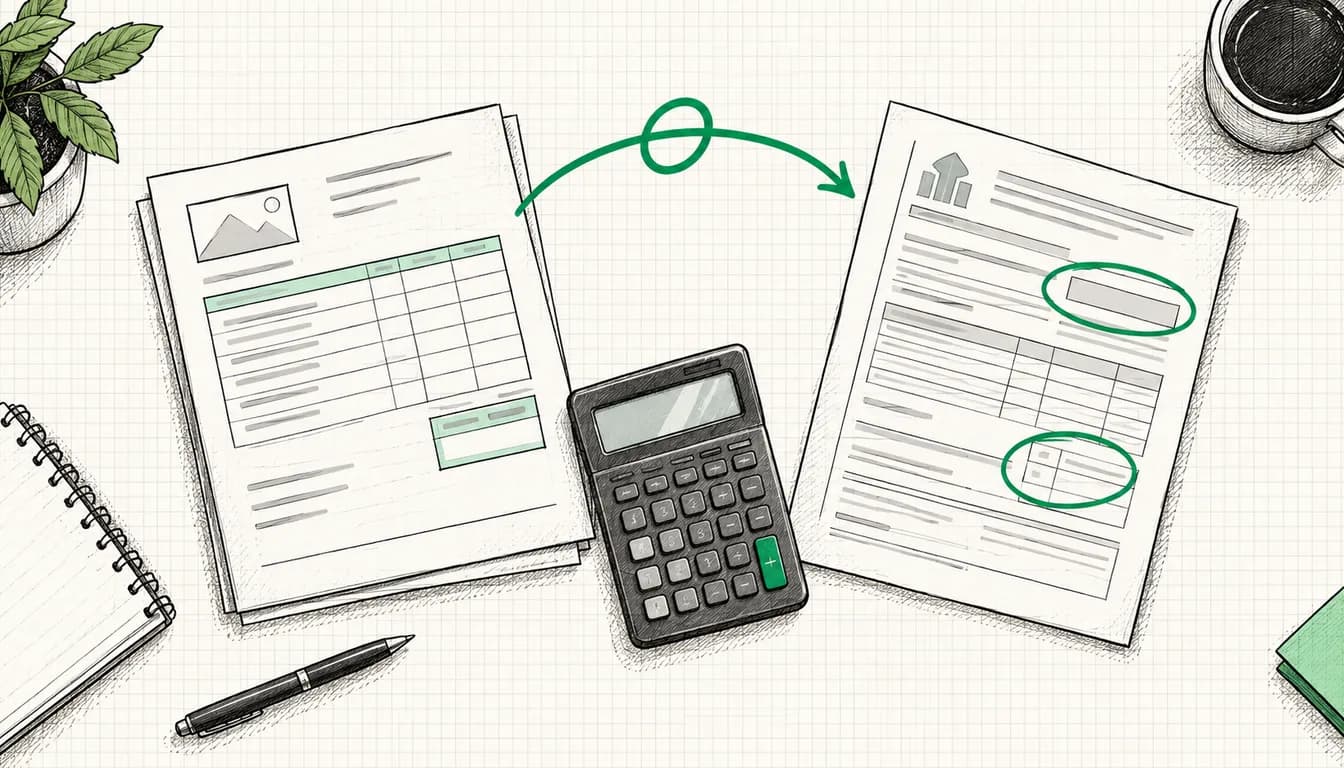
Your Google Ads invoice shows no German VAT because Google Ireland Limited issues it from Ireland and you, as a business, owe the tax yourself. The mechanism is called reverse charge, in German law "Steuerschuldnerschaft des Leistungsempfängers" (the recipient is liable for the tax, section 13b UStG). You declare the VAT on your click costs in your advance VAT return (Umsatzsteuer-Voranmeldung) and, if you are entitled to deduct input tax, deduct it again on the same form. For most businesses it nets out to zero. It gets expensive for small businesses under the Kleinunternehmer scheme, and it works differently for accounts that were not set up as business accounts.
Below you'll find where the documents are in your account, what has to be right in your payments profile, which boxes of the German VAT return are involved, and typical mistakes from accounts I have taken over.
As of: 8 October 2026. Sources are Google Ads Help on taxes in your country and on invoices and statements, the German VAT Act (UStG) and the official 2026 advance VAT return form (all German law sources are in German). Interfaces and forms change; if in doubt, the linked source prevails.
Who issues your Google Ads invoice
Your contracting party for Google Ads is not a German company but Google Ireland Limited. In Google Ads Help on taxes, Germany is listed in the "Google Ireland Limited" country group, together with Austria, Poland and other EU countries. According to Google's Terms of Service, the company is based at Gordon House, Barrow Street, Dublin 4, and its VAT number is IE6388047V. For your bookkeeping, however, what counts is what is printed on your own invoice.
Google explains itself why the invoice stays net: "We don't add VAT charges to your account unless you selected 'Eligible non-business' Purpose of use during signup." For business accounts with an address in the EU outside Ireland, you self-assess the VAT at your member state's rate. Google refers to Article 44 of the VAT Directive 2006/112/EC.
According to Google, the invoices from your account are legally valid and need neither a stamp nor a signature. In its section for Poland, the help also lists what the electronic invoices contain: your payments, Google's VAT ID and your own, if you have entered it in your payments profile. Google doesn't say this explicitly for Germany, so check it on your PDF.
Invoice, statement, payment receipt: what's what
Your account holds three kinds of documents. Only one of them is the invoice your tax advisor needs for VAT.
| Document | What it is | Available from |
|---|---|---|
| Invoice | Tax document for the month | 5th business day of the following month |
| Statement | Summary of billing activity; Google says explicitly "Statements are not bills" | also from the 5th business day |
| Payment receipt | Receipt for a single charge | right after the payment |
Table scrolls sideways
How many invoices you receive depends on your payment setting (Google Ads Help on payment settings):
- Postpay (automatic payments): Google charges you after your ads run, on the first day of the month or when you reach your threshold. You receive one invoice at the end of the month, even if there were several charges.
- Prepay (manual payments): You pay in advance, and according to the tax help you then receive two invoices (one at the time of prepayment, one at the end of the month). In its current country list, however, Google names Germany among the countries where prepay isn't available.
- Monthly invoicing: For businesses that Google grants a credit line. You receive a monthly invoice and pay by bank transfer. Only with this setting does Google email the invoice; in all other cases you download it from the account yourself.
Two details that save time when reconciling: there is no separate invoice per campaign. And according to Google, the period shown under "Summary" can differ from the invoice by a day or two because Google and banks book differently.
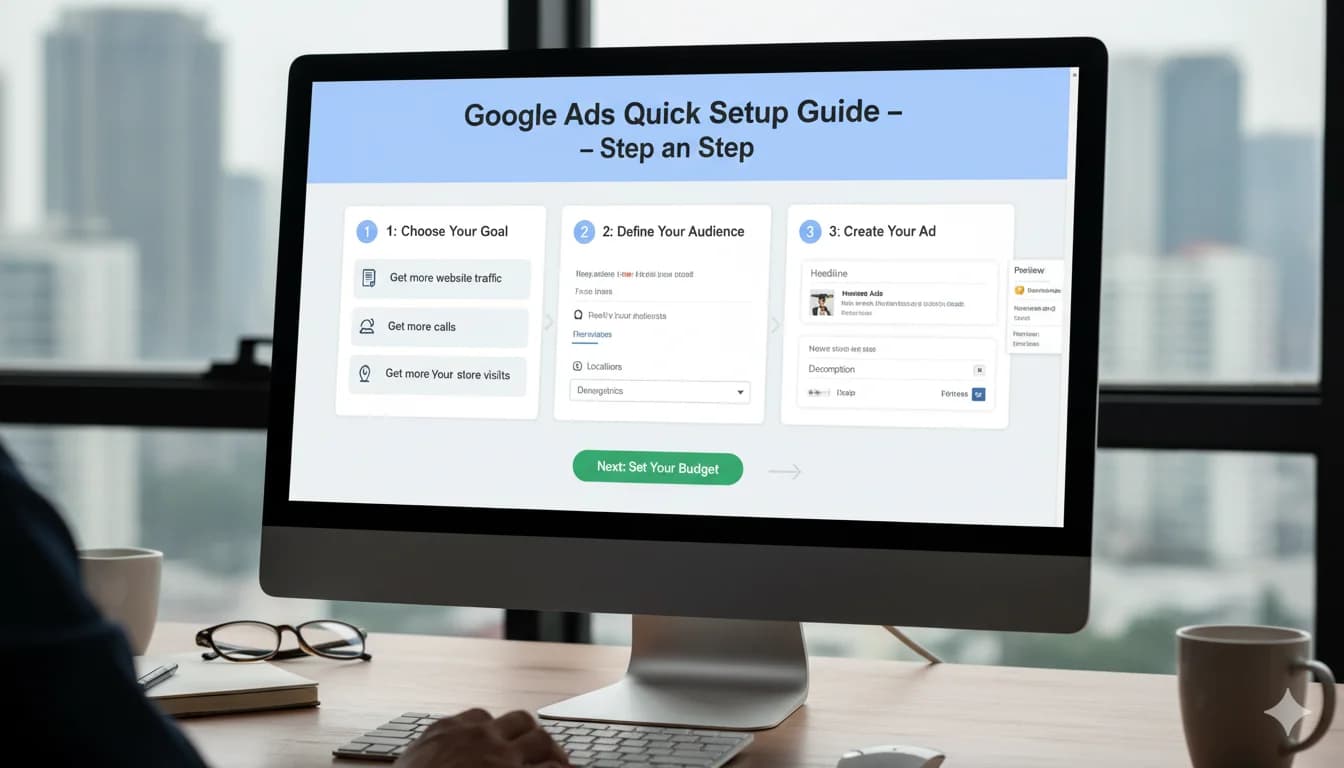
How to find your invoices in the account
- In Google Ads, click the Billing icon.
- Open Documents and select Tax and statutory documents in the top bar.
- Tick the invoices you need. The box at the top left selects all.
- Click Download selected and choose the format.
If nothing downloads, check your pop-up blocker; Google says pop-ups must not be blocked. Older months are downloaded the same way. The invoice for the current month appears at the earliest after the month ends, so September's invoice is available from the 5th business day of October. Google doesn't generate invoices on weekends or bank holidays, so expect a delay then.
If you need something for your records before that, there are two routes. Under Billing > Summary, open the card for the previous month and click "Payment" in the payments section to get a payment receipt. Under Billing > Billing activity, you download last month's activity and can schedule the download for future months. If you switched to monthly invoicing, Google says invoices from before the switch are under "Billing transfers".
My tip: give your bookkeeper their own user access instead of sharing your login. Google Ads has the "Billing" access level for this, which can view payment information and create billing reports but cannot see campaigns (Google Ads Help on access levels). How to set up access properly overall is covered in Secure your Google Ads account.
Billing address and VAT ID in your payments profile
What appears on the invoice comes from your payments profile. According to Google Ads Help on the payments profile, it stores the payer, meaning the name and address of the person or business legally responsible for the profile. The profile applies to all Google products paid through it.
Account type and purpose of use: decided once
During setup, Google asks for your account type, purpose of use and tax status. According to Google, these settings are "permanent and can't be changed after you complete your billing sign up". They may also be used for advertiser verification.
- Account type Organization: for businesses, partnerships and organizations, and explicitly also for sole proprietors signing up under a trade name.
- Account type Individual: for signing up in your own name. According to Google, you then can't add or remove users or change permissions for your payments profile.
- Purpose of use Business: for anything meant to increase revenue, sales or signups. This is the normal case, including for freelancers.
- Purpose of use Eligible non-business: only for political, charitable or non-profit activity. Only with this choice does Google charge VAT.
Adding or changing your VAT ID
Google puts it briefly: "We'll need your VAT ID." This is how you add or correct it:
- Open Billing, then Settings.
- In the "Payer details" section, find your country's tax information, click the pencil icon, then Manage tax info.
- Click Add tax info, enter the VAT ID, click Submit.
Google names the most common mistake right away: the tax number from the local tax office (Steuernummer) ends up in the field instead of the VAT ID (USt-IdNr.). The VAT ID starts with the country code, which for a German business is DE. You can check whether it is valid in the European Commission's VIES system. If you don't have one yet, you apply to the Federal Central Tax Office (BZSt), which issues it to businesses on request (section 27a(1) UStG). Kleinunternehmer count as businesses in this sense too.
Reverse charge on Google Ads explained
Why you owe the tax
Services to a business for its business purposes are supplied where the recipient runs its business (section 3a(2) UStG). For you that is Germany, even though Google is based in Ireland. For such services from a business established elsewhere in the EU, the recipient owes the tax if it is a business or a legal entity (section 13b(1) and (5) UStG). The German standard rate of 19 percent applies (section 12(1) UStG).
When the tax arises
This is the real trap. The tax arises at the end of the return period in which the service was performed, not on the invoice date. So September's click costs belong in the September return, even though the invoice only appears in October. If you file monthly, the return is due on the tenth day after the end of the period (section 18(1) UStG), while the invoice arrives from the 5th business day. The window is tight, so agree once with your tax advisor how you handle it.
What goes into the advance VAT return
On the 2026 form, services like Google's sit in the section "Leistungsempfänger als Steuerschuldner (§ 13b UStG)", recipient as the person liable for tax:
| Line | Content | Box (Kennzahl) |
|---|---|---|
| 30 | Services under section 3a(2) UStG from a business established elsewhere in the EU: tax base | 46 |
| 30 | same line: tax | 47 |
| 41 | Input tax on services under section 13b UStG | 67 |
Table scrolls sideways
A worked example, constructed and without real account data: in September you incur 1,000 euros of net click costs. Box 46 shows 1,000 (the tax base in whole euros), box 47 shows 190.00 euros of tax, and box 67 shows the same 190.00 euros as input tax. Net result: you pay no VAT on Google Ads. Which account and tax code this is in your bookkeeping software depends on your chart of accounts and is your tax advisor's call.
Input tax deduction: when it applies
You may deduct the tax under section 15(1) sentence 1 no. 4 UStG if the service was performed for your business. The deduction is excluded insofar as you use the advertising for VAT-exempt sales (section 15(2) sentence 1 no. 1 UStG). That affects Kleinunternehmer, but also businesses whose sales are fully or partly exempt. In that case the VAT on Google Ads becomes a real cost, in full or in part.
Kleinunternehmer: reverse charge still applies
Since 1 January 2025, sales by small businesses are VAT-exempt if total turnover did not exceed 25,000 euros in the previous year and does not exceed 100,000 euros in the current year (section 19(1) UStG). That only covers your own sales. For Google Ads:
- You still owe the tax. According to the Federal Ministry of Finance letter of 18 March 2025, section 19 has no effect on tax a Kleinunternehmer owes under section 13b(5).
- You have to declare it. Section 19(1) explicitly leaves section 18(4a) UStG untouched. Anyone who only owes tax under section 13b(5) files advance returns for the periods in which such tax arises, plus an annual return. The completion notes for the 2026 form point Kleinunternehmer to lines 30 to 32 for this.
- You can't deduct it. According to the ministry letter, Kleinunternehmer are not entitled to deduct input tax on purchases used for their exempt sales.
In the constructed example, 1,000 euros of clicks therefore cost you 1,190 euros. Plan for that in your budget from the start. How to set realistic budgets is covered in What does Google Ads really cost?.
No VAT ID, or a non-business account
If you selected "Eligible non-business" during setup, Google charges VAT and shows it on the invoice. Google's help doesn't say which rate it applies; you'll see that on the invoice itself.
If you have a business account but no VAT ID on file, the invoice still stays net, because Google only charges VAT for the non-business purpose of use. Your reverse charge obligation doesn't depend on the number anyway, but on whether you are a business. Add the VAT ID all the same so it appears on future invoices. For associations and non-profits, even the question of whether they count as a business for VAT purposes is often not trivial.
Common problems and how to fix them
Wrong name or address on the invoice
Google generally doesn't change issued invoices. Since January 2022, however, some invoices can be reissued if you only correct "cosmetic" details such as name or address. First fix the payments profile, then go to Billing > Documents > Tax and statutory documents, select the invoice and choose Regenerate invoice with updated information under "Actions" on the right. According to Google this takes about 24 hours, and the invoice number stays the same.
Missing or wrong VAT ID
This one can't be repaired: according to Google, the VAT ID cannot be changed retrospectively. Correct it right away in the payments profile so everything is right from the next invoice, and pass the affected invoices to your tax advisor with a short note.
The agency pays, not you
Who receives Google's invoice is decided by the payments profile, not by who has access to the account:
| Setup | Google invoices | Who declares reverse charge |
|---|---|---|
| Account runs on your payments profile, the agency only has access | you | you |
| Agency pays Google through its own payments profile | the agency | the agency; you receive the agency's invoice |
Table scrolls sideways
Whether the agency passes the click costs on with German VAT depends on how it buys them. Only amounts collected and paid out in the name and on behalf of the client count as pass-through items without VAT ("durchlaufende Posten", section 10(1) sentence 4 UStG). Sort this out with your agency and tax advisor, not with Google.
From my experience: the cleanest setup is when the account and payments profile belong to the advertiser. Invoices and tax then run directly through you, and switching agencies doesn't cut off billing. How the handover works in that case is in Cancel and switch your Google Ads agency. What an agency costs on top of the ad budget is explained in Google Ads agency pricing.
Credits and promotional credit
According to Google Ads Help on credits, adjustments are mostly credits, for example for invalid clicks or overdelivery. Billing > Summary gives you the overview. If you use up a credit within the same billing period, the invoice can differ from your transaction history. Promotional credit from offers appears, according to Google Ads Help on promotional offers, within about 35 days on the "Billing Summary" page under "Active promotions". How the credit works is covered in the post on the Google Ads promo code. How credits are treated for VAT belongs on your list for your tax advisor.
Invoice in a foreign currency
You fix the account currency permanently during setup; according to Google Ads Help on currency, it can only be changed by opening a new account. If your account runs in a currency other than euros, you convert to euros for VAT using the average rates the Federal Ministry of Finance publishes for the month of the service. The tax office can allow the daily rate instead (section 16(6) UStG).
E-invoicing
Germany's B2B e-invoicing obligation applies where both the supplier and the recipient are established in Germany (section 14(2) sentence 2 no. 1 UStG). Google Ireland is based in Ireland, so as I understand it, the PDF from your account remains the normal document. Whether your bookkeeping process requires anything else is for your tax advisor to confirm.
Checklist for your bookkeeping
- The issuer is Google Ireland Limited and your VAT ID is on the invoice.
- Name and address in the payments profile match your business.
- Each month's invoice is available as a PDF from the 5th business day.
- Click costs are reported in boxes 46 and 47 for the month of the service, input tax in box 67.
- As a Kleinunternehmer, you file an advance return for months with Google Ads costs.
- Your bookkeeper has their own user with the "Billing" access level.
Not tax advice: This article explains the German legal position and Google's billing in general terms. For your specific case, booking in your chart of accounts and special cases such as exempt sales or associations, talk to a German tax advisor (Steuerberater).
Conclusion
The missing VAT on your Google Ads invoice is not a mistake but reverse charge: Google Ireland invoices net, you declare the tax for the month of the clicks and usually deduct it straight away. It stays clean if your payments profile, account type and VAT ID are right from the start, because exactly these details are hard or impossible to correct later. Kleinunternehmer should budget for the 19 percent. If you're advertising in Germany from abroad, the guide to market entry with Google Ads will help as well.
If you'd rather focus on your business than on account settings: my Google Ads management from €1,000 per month (with a 3-month start phase, cancellable monthly after that) includes a properly set up account with the payments profile in your hands.