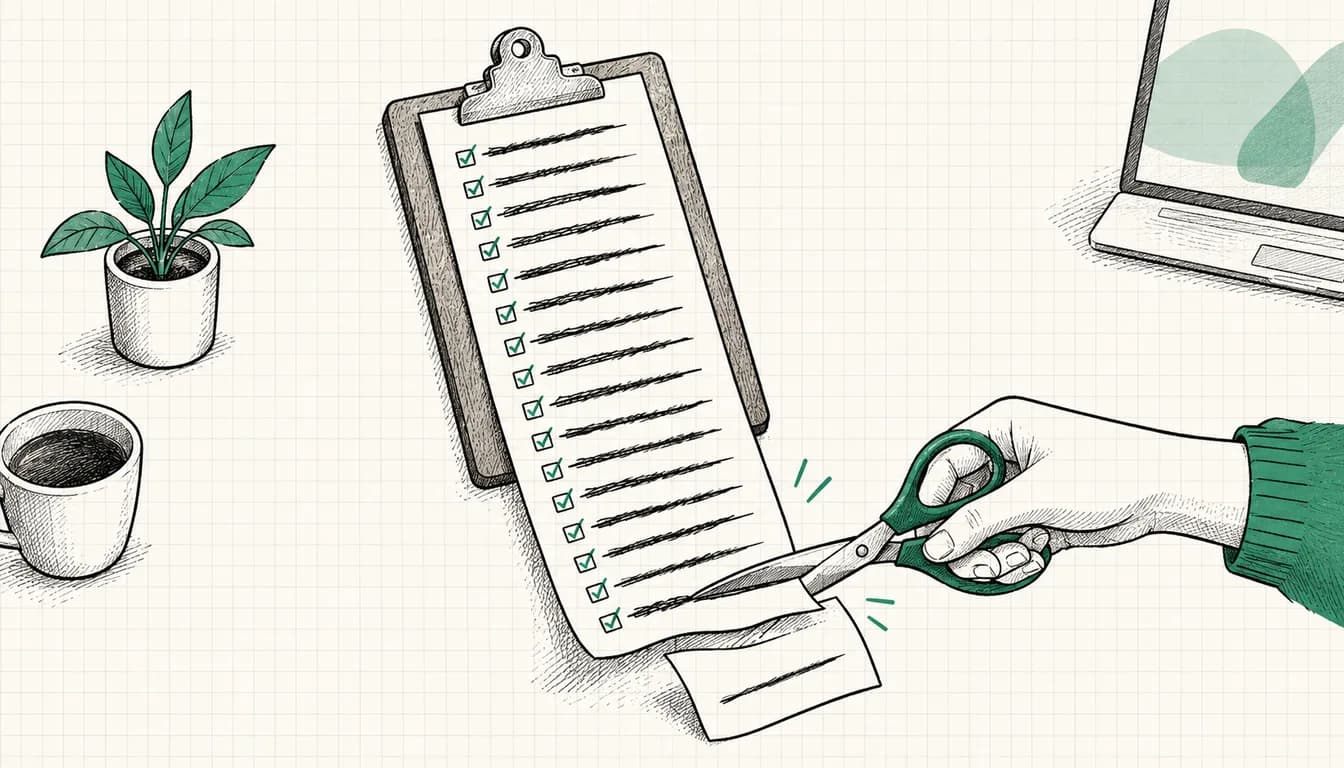

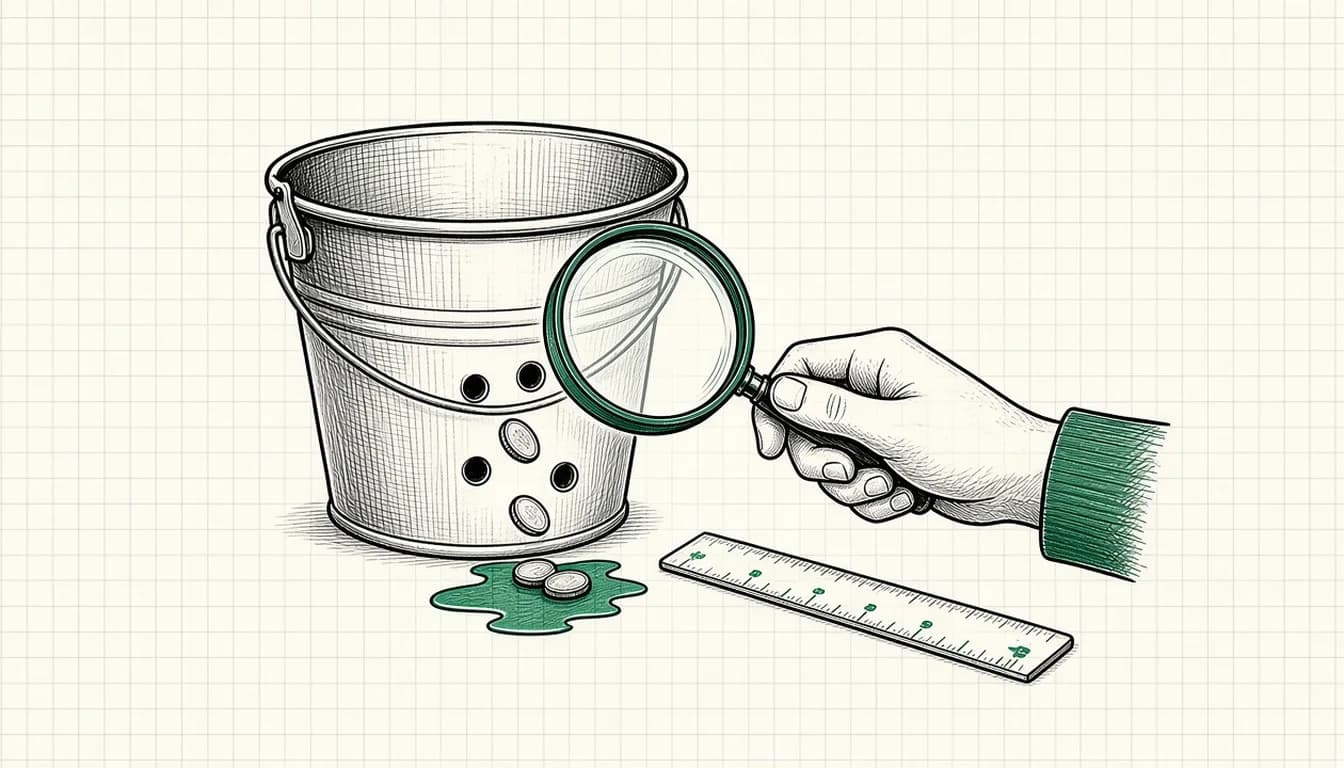
"The budget is gone, but the inquiries are missing." I hear this a lot when someone has their Google Ads account reviewed by an outsider for the first time. Usually there is not one big leak but several small ones that add up.
In this article I go through the seven leaks I come across most often in practice, and for each one I show you where to look in the account. These are checks, not guarantees: only your own account shows which of them really cost you money.
1. Clicks on search terms that do not fit
The classic. Your keywords make sense, but the search terms people actually type do not: job searches, DIY instructions, freebie hunters, products you do not sell.
Check: open the search terms report, sort by cost and read the most expensive terms. Exclude anything that does not fit your offer. How to do that cleanly with lists is covered in Negative Keyword List 2026: CSV Download for Google Ads.
2. Conversion tracking that counts the wrong thing (or nothing)
An account that counts page views or clicks on a phone number as a conversion looks good but optimizes in the wrong direction. The reverse is just as bad: if nothing is measured or things are counted twice, every decision lacks a foundation.
Check: under conversions, look at which actions are counted and which of them are "primary". For each action, ask yourself: would I be willing to pay for this? More on inquiry quality in Google Ads Bringing Bad Leads? How to Measure Lead Quality.
3. Network and delivery options nobody chose deliberately
When you create a campaign, some options may be preselected that you do not want, such as delivery on additional networks.
Check: check in the campaign settings where your ads run, and use the reports to see whether those placements bring in inquiries. Decide deliberately instead of keeping the defaults.
4. Location settings
If you target "people in or showing interest in" a location, you may reach people who would never come to you. A local business with a catchment area that is too large pays for clicks from regions it does not serve.
Check: look at the location options and location reports. Do the places the clicks come from match your catchment area?
5. Ads at times when nobody responds
An inquiry on Saturday evening that is not answered until Tuesday is often worth less than one on Tuesday morning. This applies especially to services where speed counts.
Check: look at the reports by weekday and hour. Do the times with the most clicks match the times when someone picks up the phone or answers email?
6. Recommendations accepted without review
Google regularly suggests changes in the account, for example higher budgets, broader keyword options or new campaign formats. Some fit, some do not. Auto-applied recommendations are especially risky because nobody consciously decides on them anymore.
Check: see whether auto-applied recommendations are switched on, and use the change history to see what has been changed recently. How I assess recommendations and the optimization score is explained in Optimization Score: Which Recommendations I Dismiss.
7. A landing page that loses visitors
Even a clean account burns money if the page fails to convince after the click: an unclear message, slow loading on smartphones, a form that puts people off.
Check: open your ad on a smartphone and go through the steps to an inquiry yourself. Does the page match the promise of the ad? Is the next step obvious right away?
How to proceed
- Check tracking first (point 2), because all other decisions build on it.
- Then search terms and locations, because you get clarity quickly there.
- Make changes one after another and note what you changed and when.
- After a few weeks, check whether cost per inquiry and inquiry quality have changed.
Do not change everything on the same day. Otherwise you will not know later what worked. How to distribute the budget between campaigns once the leaks are plugged is explained in Google Ads Budget Allocation: Strategy Guide 2026.
If you want a second opinion
For a thorough review of structure, tracking, search terms and settings with concrete recommendations, there is the Google Ads Audit (from €500).
As of: November 2026