
Many small businesses share the same pattern: the work is not hard, but it repeats. Enquiries pile up in the inbox, invoices need filing, and every month a report gets clicked together. This is exactly where AI automation can help, and exactly where it is often started the wrong way: with a tool instead of a process.
In this article I show four workflows that have worked well for me in practice, plus the questions that tell you whether a workflow is worth it in your case. All examples are scenarios without figures. What really saves time in your business depends on your own processes, and by AI automation I mean something very practical here: recurring processes that a tool prepares and a person approves.
When a workflow suits automation
Before you open any tool, ask five questions:
- Does the process recur regularly? One-off tasks rarely justify the build.
- Does it usually look the same? The more special cases, the more exceptions you have to model.
- Can a person check the result quickly? If checking takes as long as doing, there is no gain.
- What happens in the worst case if it goes wrong? A misfiled appointment is annoying, a wrong payment is not.
- What data flows through it? Personal data deserves its own review before it goes to an external tool.
If you answer yes to 1 to 3 and feel comfortable about 4 and 5, take a closer look.
Workflow 1: Sort incoming enquiries and prepare replies
Typical scenario: enquiries arrive through a contact form, email and phone notes. Someone has to read, classify and reply.
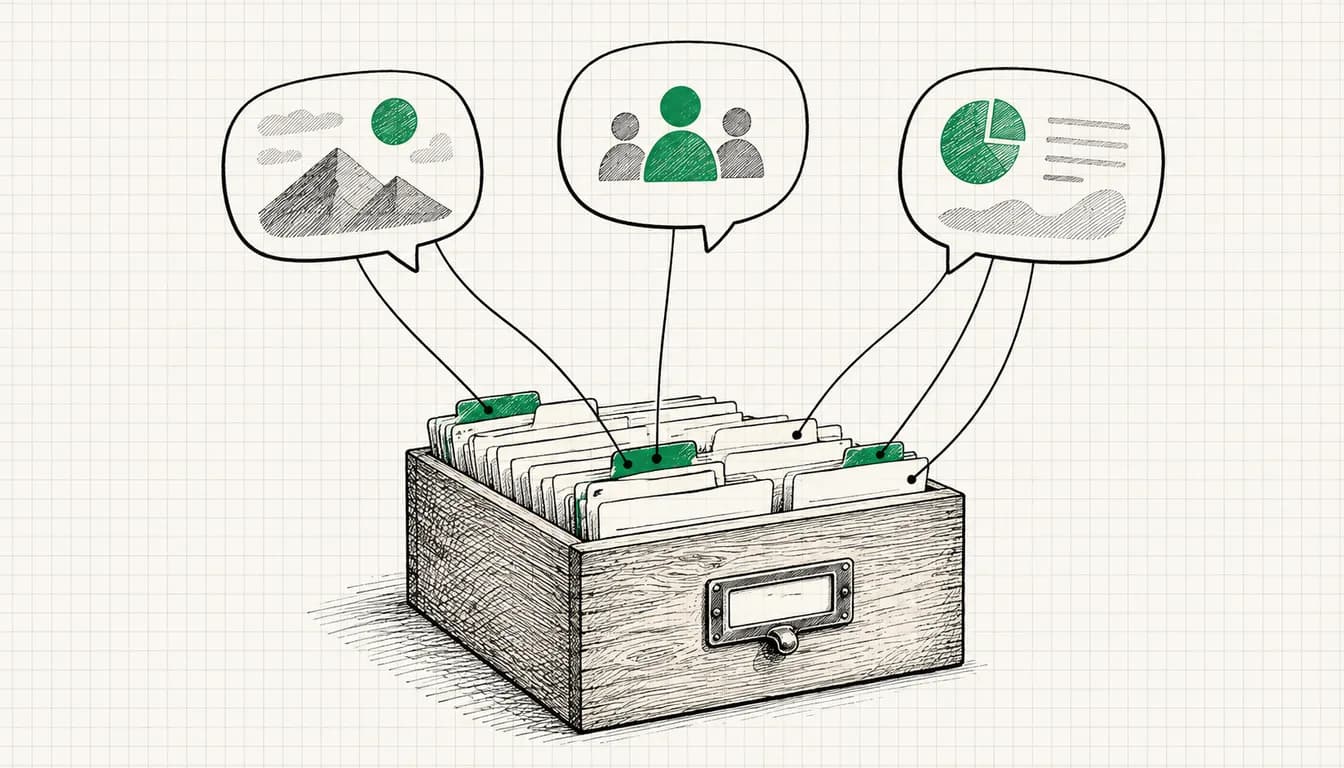
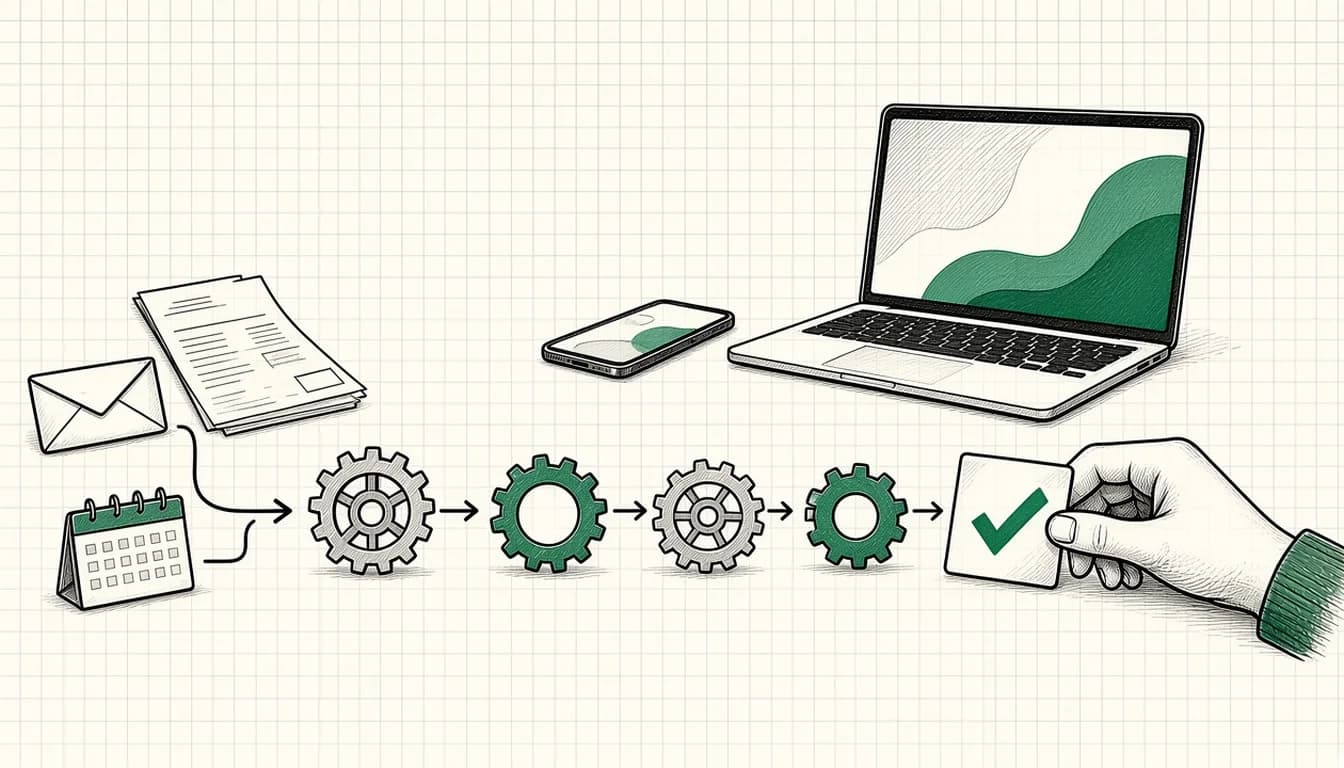
A sensible automation looks like this: the enquiry is read automatically, assigned to a category (for example quote, support, appointment, other) and written into a fixed overview with the key details. A language model also creates a draft reply. A person reads it, adjusts it and sends it.
The important point: the draft is not sent automatically. For customer communication, approval is part of the process. If you get many enquiries from advertising, you can extend the same idea with pre-qualification against fixed criteria.
Workflow 2: Read documents and file them
Typical scenario: incoming invoices, delivery notes or contracts arrive as PDFs. Someone types the invoice number, amount and supplier into a spreadsheet and files the document.
Here a model can read the relevant fields from the document, write them into a table and move the file to the right folder. An audit trail matters: the original stays untouched, and conspicuous cases (missing fields, unusual values) go to a separate list for manual review instead of passing through silently.
For accounting data the rule is: the AI prepares, while booking and approval stay with you or your tax advisor.
Workflow 3: Assemble recurring reports
Typical scenario: every month, figures from several sources are copied into a document and commented on.
The automation fetches the figures itself. The language model writes a first comment ("what stands out, what has changed"), which you check and complete. The biggest gain is usually not the text but that the figures come from the same source and follow the same logic every time.
Workflow 4: Follow up and remind
Typical scenario: a quote goes out, then nothing happens because nobody thinks of it in day-to-day work.
A simple automation notices that no reply has arrived after a set time and creates a task or a draft for the follow-up. Again: the reminder is automatic, while the contact only happens after human approval. A personal tone matters more than speed when following up.
Order of steps and tools
My order of steps in practice:
- Write the process down: who does what, with which tools, how often, what goes wrong?
- Define the human in the loop: which steps does the AI only prepare, which does someone approve?
- Build the smallest version: an automation platform such as Make connects the systems, a model such as Claude, ChatGPT or Gemini handles reading, sorting and drafting. Which model fits depends on the task and your data.
- Observe: let it run for a few weeks, note errors, refine.
- Only then extend.
Typical mistakes are automating too much at once, building no error handling and raising data protection questions only at the end.
If you do not want to set this up alone
How I set up automations for small businesses is described on the AI automation page. If you first want to clarify which workflows are worth it for you, AI consulting is the right starting point.
As of: November 2026