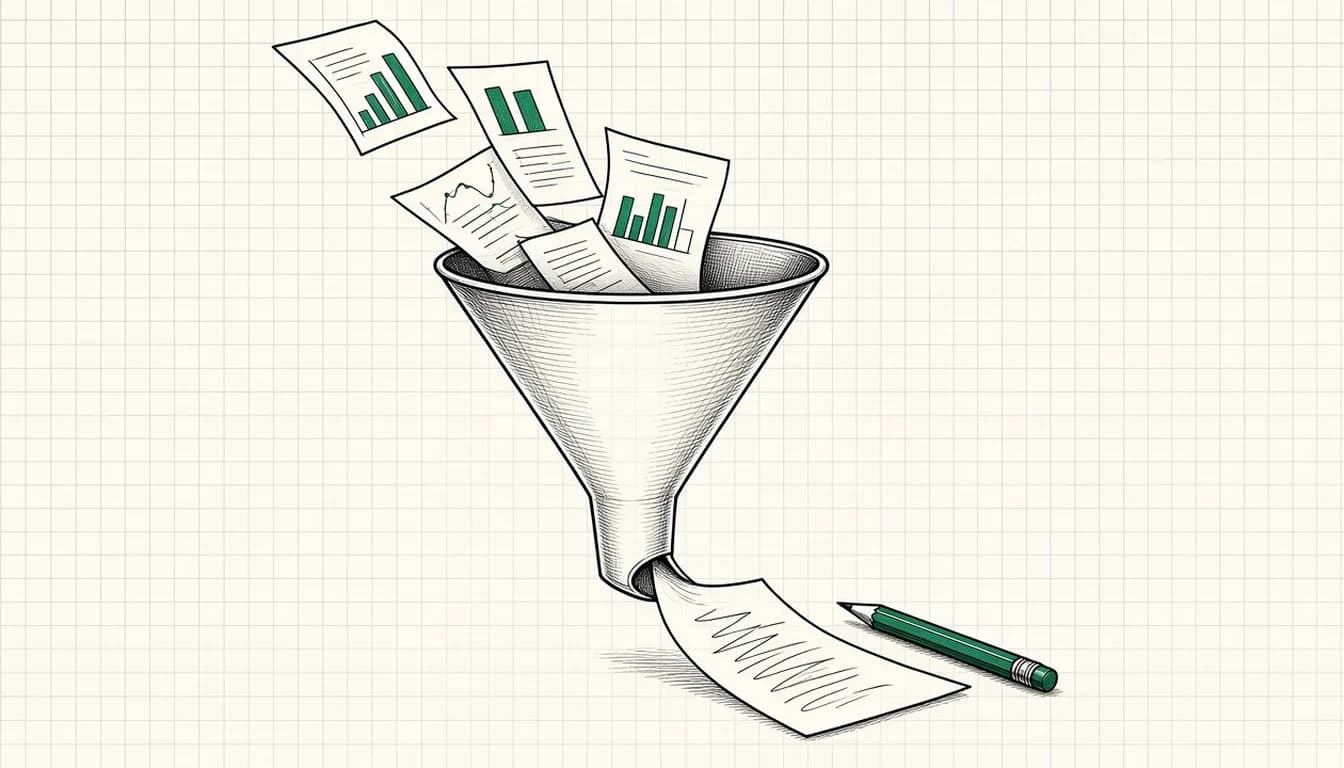

If you use Google Ads, referrals or contact forms, you know the problem: inquiries come in, but not all of them fit. Some are addressed to the wrong business, some are too small, some are outside your service area. Reading each one costs time, and with paid inquiries in particular, you do not want a good one to go unanswered.
Automatic pre-qualification can help. In this article I show a setup that uses AI as an assistant and leaves the decision with a person. It is an example of the workflows I described in AI Automation for SMEs: 4 Workflows Worth Building, applied in more depth to inquiries from advertising.
The principle: AI proposes, a person decides
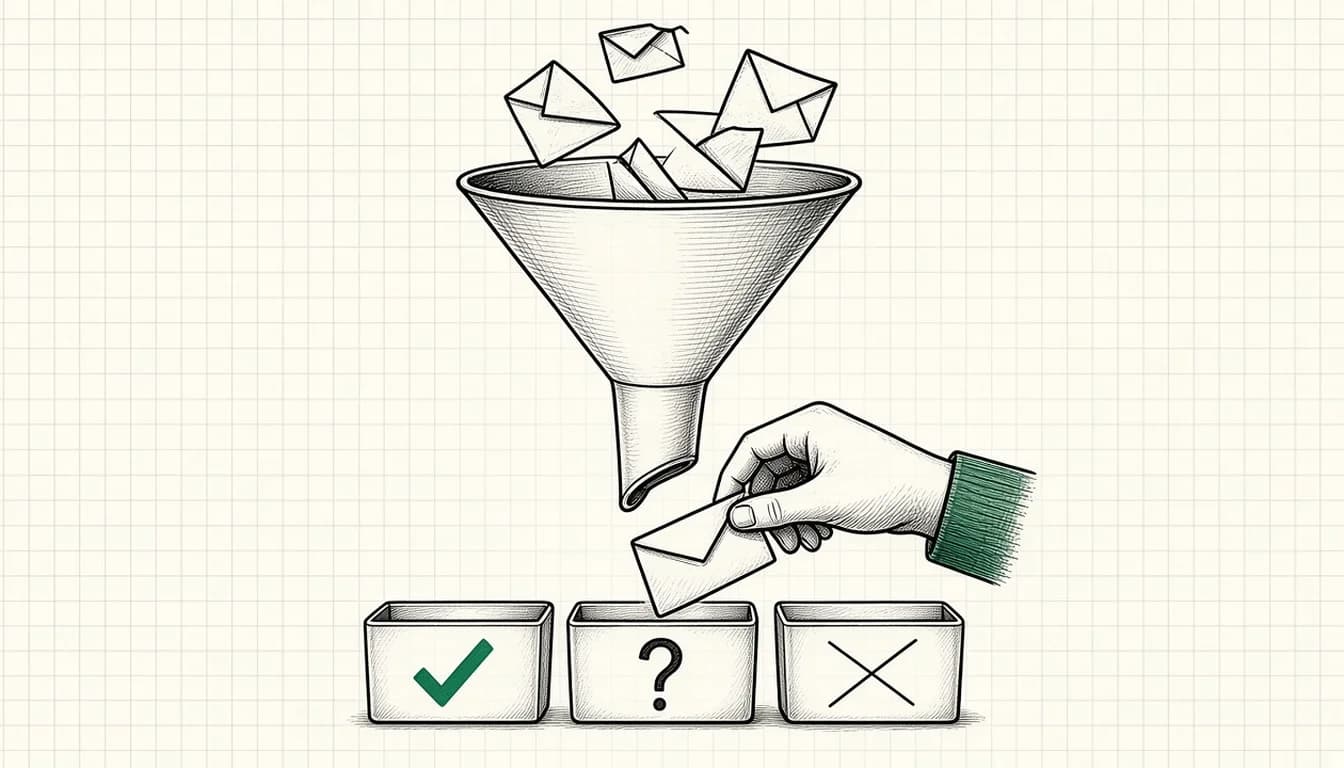
The workflow does not make decisions about people. It prepares: it reads the inquiry, compares it with your criteria, proposes a classification with reasoning and puts it in front of you. You see at a glance why the assessment came out that way, and you can overrule it.
There are two reasons for this. First, language models make mistakes that sound plausible. Second, an inquiry that is wrongly filtered out is a loss you can easily miss.
Step 1: Write down the criteria
Before you build anything, write down what a good-fit inquiry looks like for you. Typical criteria:
- Service: is the person asking for something you offer?
- Region: is the location inside your service area?
- Timeframe: is the requested date realistic?
- Type of job: private, commercial, resale?
- Completeness: is information missing without which you cannot give a quote?
Write these criteria in full sentences, the way you would explain them to a new employee. This exact text later becomes the model's instructions.
Step 2: Build the flow
A simple flow like the ones I set up:
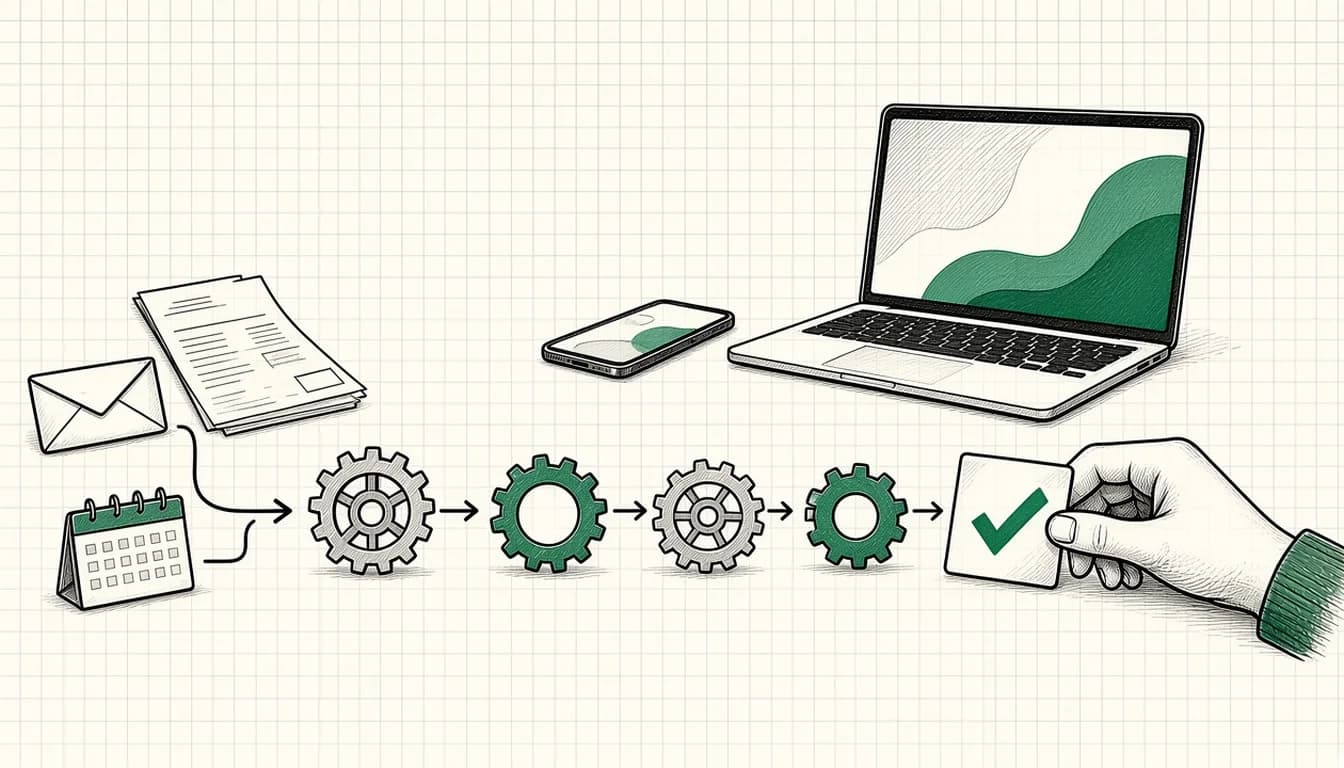
- Intake: a form, email or chat triggers the workflow. A platform such as Make connects the systems.
- Standardize: the details are brought into a fixed schema (name, request, location, timeframe, free text).
- Rule check: the workflow checks simple things without AI, such as whether required fields are missing or the location is on a list. What a clear rule can handle does not need a language model.
- Assessment by the model: a model such as Claude, ChatGPT or Gemini receives the inquiry plus your criteria and returns a classification (for example "fits", "unclear", "probably does not fit") with a short reasoning and open questions.
- Filing: the result lands in an overview or your CRM, sorted by assessment.
- A person decides: you or someone on your team reads, confirms or corrects, and replies.
The reply draft can also be prepared by the model. It is not sent automatically.
Step 3: Plan for failure cases
What happens when something goes wrong? Plan for these cases explicitly:
- The model does not answer in the expected format. The workflow then adds the inquiry to the overview unprocessed instead of discarding it.
- The inquiry is empty, an attachment is missing or the text is in another language. That belongs in the "unclear" category and in front of a person.
- There is an outage. All inquiries must still reach you even without the automation. The automation is an extra layer, never the only path.
Step 4: Test with old inquiries
Take a selection of real, older inquiries, run them through the workflow and compare the assessment with yours. Look especially at:
- borderline cases where you would hesitate too
- inquiries with little text
- unusually worded or colloquial texts
- inquiries that sound good but do not fit
Where the model is regularly off, the cause is usually a vaguely worded criterion. Refine the description and test again. After launch, monitor the workflow closely for a few weeks and also read a sample of the inquiries marked "probably does not fit".
Data protection: the short, honest version
Inquiries usually contain personal data. Before you hand them to an external tool, you should clarify which data flows where, whether processing is covered by an agreement and whether your privacy notices cover it. This is general guidance, not legal advice. If you are unsure, get professional advice before the workflow goes live.
How this fits with advertising
Pre-qualification does not replace work on the account. If many unsuitable inquiries keep arriving, the cause often lies further upstream: in search terms, ad copy or the landing page. How to measure and improve the quality of your Google Ads inquiries is described in Google Ads Bringing Bad Leads? How to Measure Lead Quality.
If you want it set up for you
How I implement such workflows for small businesses is described on the AI automation page. For an initial assessment of whether pre-qualification is worth it at your inquiry volume, AI consulting can also help.
As of: November 2026