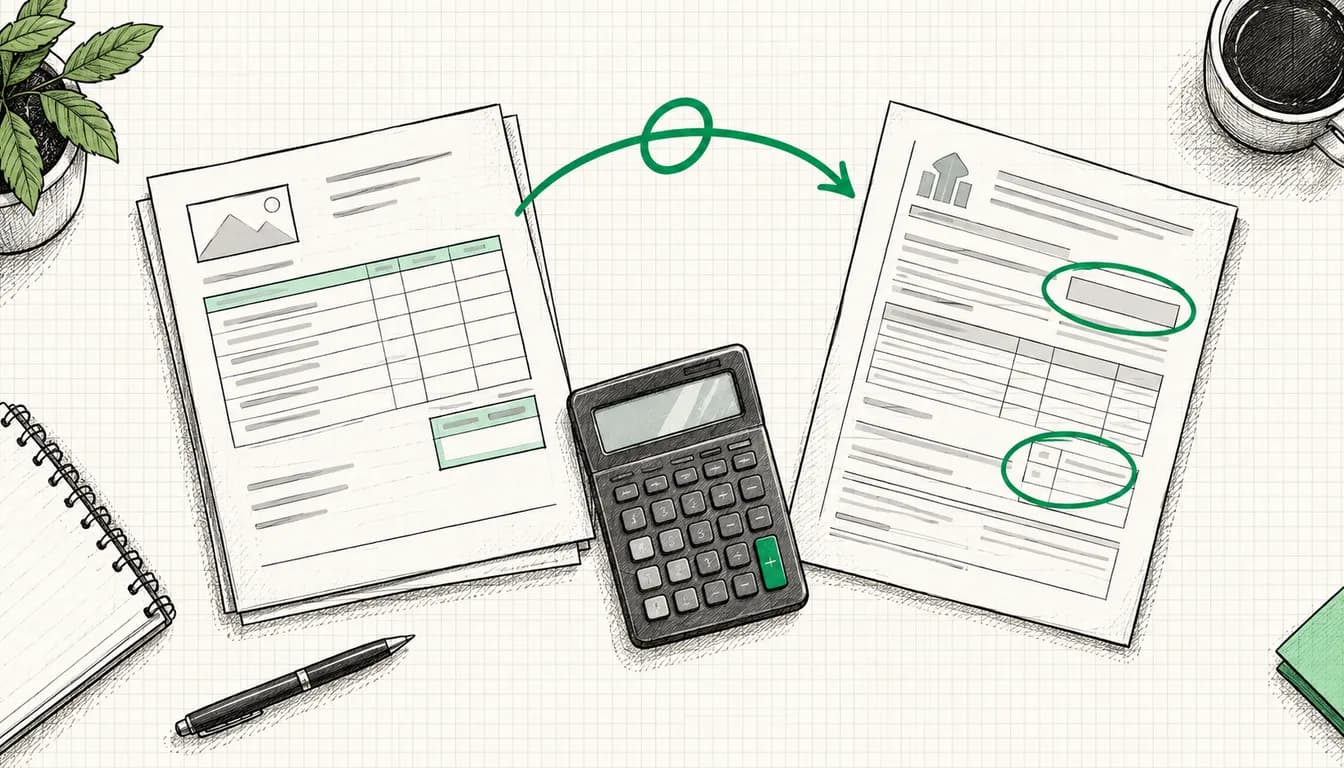

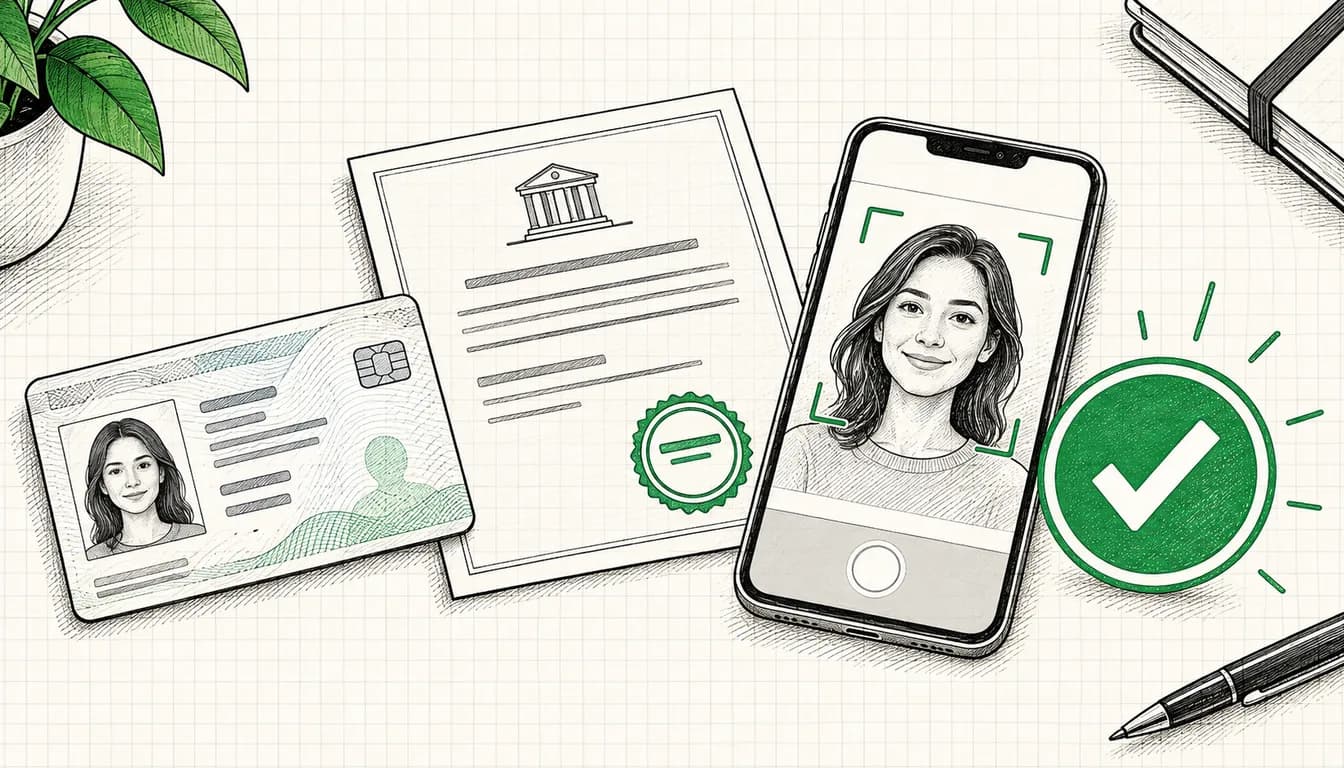
An email from Google, plus a notice in your account: you need to confirm who you are by a specific date. That is advertiser verification. Google uses it to check who is behind a Google Ads account and then shows the result publicly. Under Admin > Policy > Account you answer questions about your organization and who pays for the ads, then submit documents depending on your account type, for a company in Germany for example a commercial register extract and an ID. According to Google, each task is reviewed within up to 5 business days. If you miss a deadline you have been given, your account is paused, and the deadline cannot be extended.
Below I walk through the process step by step, including the documents Google accepts for Germany, the agency special case and the rejection reasons you can avoid. If your account is already suspended, read Google Ads Account Suspended? What to Do Now first. How to protect your account against takeovers is covered in Secure Your Google Ads Account.
As of: All details on the process, deadlines and documents come from the Google Ads help center, checked on 8 October 2026. Google updates these pages regularly, and according to Google the English version is the official one. Sources are listed at the end of the article.
What advertiser verification is
Google announced the program in April 2020: advertisers would have to show who they are and in which country they operate. Today Google states in its advertiser verification help page that all advertisers will gradually have to complete it. If you work with German speakers or read the German help pages: there it is called „Überprüfung des Werbetreibenden“, and you will also hear Werbetreibenden-Bestätigung. Both refer to the same process.
What becomes public afterwards
Once you are verified, Google shows your legal name or trademark name and your location, according to the ads transparency help page. This appears in the ad disclosure itself (for search ads via the three-dot icon on desktop or the info icon on mobile, in My Ad Center) and in the Ads Transparency Center. There, anyone can see your ads along with the periods and locations in which they ran, plus your name change history and ads removed for legal reasons or policy violations. Verified advertisers carry a “verified” badge.
Unverified advertisers show up as well: with the name and location from the payments profile and an “unverified” badge. How to use the Transparency Center to look at your competitors is something I explain in Ads Transparency Center.
Why Google selects you
According to Google, the request can have different triggers:
- Your account is part of the gradual rollout.
- Your advertising behavior or ad content looks potentially suspicious.
- You advertise in sensitive industries such as financial services, or on brand-related searches.
- You use features that are frequently abused.
- Your account is suspended, and the appeal requires verification.
Google may also verify you again after major changes to your payments profile, billing address or business details. Changing the legal name in your payments profile triggers a new verification immediately.
What about the Digital Services Act?
Advertiser verification predates the Digital Services Act (DSA), and Google's help pages do not justify it with the DSA. It does, however, deliver exactly the information the DSA requires from platforms. Under Article 26, every ad has to show on whose behalf it is presented and who paid for it. Article 39 requires very large platforms and search engines to keep a public ad repository containing this information. The European Commission designated Google Search as a very large online search engine on 25 April 2023, and in August 2023 Google expanded the Transparency Center to meet DSA provisions. The DSA obligations fall on Google as the platform, not on you. This is not legal advice; for specific questions, talk to a lawyer specializing in IT law.
The process step by step
1. Request and deadline
Google notifies you by email or in your account and tells you the deadline. You will find the tasks under Admin > Policy > Account; the page used to be called “Advertiser verification”. According to Google, only an admin of the Google Ads account can complete them.
The help page on the process gives no fixed number and refers to the date shown in your account. The help page on account pauses is more specific: if you do not submit the documents within the 30-day deadline or do not complete verification within 30 days, your account is paused. The date in your account is what counts. Reviewing a task takes up to 5 business days according to Google, in rare cases up to 30 days. If you only start in the final week and have to resubmit once, things get tight. That is why I check which tasks are required on the day the request arrives and gather the documents right away.
| Situation | What Google says applies |
|---|---|
| Verification with a deadline | If you are not verified by the deadline, the account is paused. There is no extension |
| Verification without a deadline | Voluntary, your ads keep running |
| Account already paused | Ads only run again after successful verification |
| Appeal against a suspension | Only possible once verification is complete |
Verification can be worth it even without a deadline. According to Google it unlocks additional features such as your business name and logo in search ads, and restrictions on your account may be lifted. While a requested verification is still open, some ads may be restricted, according to Google for example with cross-country targeting, on brand terms or in industries such as travel, customer and tech support or finance. I collect other reasons for weak delivery in Google Ads ads not running.
2. Questions about your organization and the payer
First you answer questions about the type of organization you are and who pays for the ads. Four points deserve a close look.
The agency question. If you manage ads for a client, Google says you must answer “Is your organization an agency?” with Yes. Otherwise the account may be paused or suspended.
The account type. Whether you are verified as an “Organization” or an “Individual” depends on the account type in your payments profile, found under Billing > Settings > Payer details. According to Google's help on account types, most freelancers and consultants who are not registered as a business count as individuals, while sole proprietors with a registered trade name count as organizations. If the type is wrong, Google asks you to contact support before you start. You can only change it yourself once, and a new verification follows.
For freelancers in Germany without a trade registration (Gewerbeanmeldung) or a register entry, there is a gap: Google does not classify by German law and does not say which German document counts as a “VAT registration certificate”. In that situation I would ask support before the first upload rather than use up one of the limited attempts.
Political advertising in the EU. Google asks whether you plan to run political ads in the EU through the account, according to Google because EU regulations require it. If you answer Yes, the campaign cannot run in the EU. For an ordinary business the answer is No.
Who pays. If your verified name differs from your payments profile name, the disclosure shows “Ads funded by” followed by the payments profile name. You can change this payer name under Admin > Policy > Account, and according to Google you are responsible for its accuracy. A change to your legal name is also carried over to your invoices. What those invoices need to show for tax purposes in Germany is explained in Google Ads invoices and VAT.
3. Verifying your identity: documents for Germany
Which documents Google accepts depends on the country and the account type. For Germany, the list of required documents says:
| Account type | Document | Accepted for Germany |
|---|---|---|
| Organization | Registration document | Extract from the commercial register (Handelsregisterauszug), trade license, VAT registration certificate |
| Organization | Photo ID of an authorized representative | Passport, ID card, driving license, permanent residence card, issued in any country |
| Individual | Government-issued photo ID from the EEA or Switzerland | Passport, national ID card, driver's license, residence permit |
Table scrolls sideways
According to Google, organizations may have to submit both types. An authorized representative is an admin of the Google Ads account and/or of the payments profile paying for the ads. On a national ID card or passport you may redact anything not needed for identification, such as your photo and signature. In everyday German usage, the trade license (Gewerbeschein) is the certificate in which the trade office confirms receipt of your trade registration under Section 15 of the German Trade Regulation Act.
For photos and scans, Google requires:
- a valid document that has not expired
- a color image that is sharp, well lit and free of glare
- the entire document with all four corners, and for IDs both front and back
- the original: no photocopy, no screenshot, no digital ID
The most important point is not on that list: according to Google, the name and location in your payments profile must match your documents exactly, for organizations including the legal form suffix and punctuation. If the commercial register says “Müller Haustechnik GmbH & Co. KG” (a fictional example), “Müller Haustechnik” in the payments profile is not enough. Promotional phrases, domains, all caps, emojis or phone numbers do not belong in the name unless they are part of the registered name. If you use a trade name, both it and the legal name have to match the registration document. You can correct the name during the task using the pencil icon in your payments profile.
Instead of documents, Google sometimes asks for other things. Organizations can optionally enter their D-U-N-S number, and after 3 failed attempts documents are required after all. Individuals may only have to confirm their phone number with a 6-digit code, and the country code must match the payments profile country. After 5 failed attempts, Google asks for a photo ID. Organizations may also be asked to confirm their affiliation with the organization, via a code sent to the phone number or organization email address associated with the account. If you have a deadline, this task is mandatory.
4. Video selfie
For individuals, Google may require a video selfie: you upload your photo ID, record a short video of yourself, and Google compares the two. Only an admin of the payments profile can do this. If ID and video still do not match after 5 attempts, you need to contact support. Google's help does not describe a live video call with a person.
5. Confirming your payment method or making a payment
Depending on your billing setup, Google asks about your payment history or has you confirm your payment method. For that, Google makes a small charge that depends on your currency but, according to the help page, will not exceed 1.95 US dollars. The last 6 digits of the charge are your verification code, and the money is refunded within 14 days. It can take up to 7 days for the charge to appear in your transactions.
Sometimes Google asks for a payment, for example your outstanding balance. Card payments go through almost instantly according to Google. Bank transfers take longer, and the account may stay paused until the payment arrives.
6. Business operations verification
According to Google, most advertisers never see this task. If you get it, you answer questions about your organization, your products and services, your ads and your relationships with other organizations. If the business model is unclear and Google suspects users could be harmed, the account can be paused until things are clarified.
According to the help page on business operations, this task fails because of:
- Undisclosed relationships. Google wants to know everyone involved: agencies with account access, the actual service provider, the domain owner and anyone else who signs in to the account. As evidence, Google names contracts, a letter on company letterhead, invoices or emails. If your website mentions a third party without a formal business relationship, you document the connection or remove the mention.
- Unclear fulfillment. Resellers and affiliates have to name the business that actually delivers the product or service.
- Missing licenses in regulated industries such as healthcare, finance or home services and trades.
- Inconsistencies between the name, address or website in the form and your documents.
According to Google, you submit evidence as PDF, JPG, JPEG or PNG, as a photo or scan of the physical document, without ZIP files or folder links. You may redact confidential details. Separately, Google requires its own steps for some industries, such as a certification for gambling, financial products or locksmith services. Why the gambling certification is a procedure of its own alongside verification, and what applies to crypto, is explained in my post on gambling, cannabis and crypto in Google Ads.
7. Review and status
You can see the status on the Account page; according to Google, updates can take up to 5 business days. If something is missing or there is an issue with a task, you are notified, for example by email. Once all tasks are complete, you receive a confirmation email.
Missed the deadline, rejected, suspended: what now?
| Situation | Consequence according to Google | What you do |
|---|---|---|
| Deadline missed | Account paused, no ads, reports stay accessible | Restart verification via the link in the email and complete it; only then does the pause end |
| Issue with a task | Google could not verify your information | Read the reason, fix the cause, resubmit the document in your account |
| Too many failed attempts | Account paused | Appeal through support, with as much detail as possible |
| False information submitted | Violation for circumventing systems, account suspension | Only appeal if there really was a mistake |
| Wrong organization verified | Wrong name in the disclosure | Under Admin > Policy > Account select “Reset verification”; a new deadline then applies |
Table scrolls sideways
According to Google, a pause can affect more than one account: accounts using the same payment method, linked Merchant Center accounts and newly created accounts may be paused as well. A second account is therefore no way out.
To appeal after several failed attempts, contact support. According to Google, most appeals are reviewed within 5 to 7 business days, and complex cases take longer. If the account was suspended after an issue with a task, the “Fix it” link in the notification at the top of your account leads to the appeal. Google explicitly asks you to appeal only if you genuinely believe there has been a mistake. How to put together a solid appeal is covered in Google Ads Account Suspended? What to Do Now.
If the business itself changes, the help page on name and ownership changes applies: for a new legal name you need a document showing the name changed while the legal entity stayed the same. Google treats a new VAT ID as a new legal entity, in which case you will likely need a new payments profile, usually with help from support. Promotional credit is lost in the process, and any remaining balance is refunded to the original payment method.
Agency or client: who gets verified?
The basic rule is in the help page on verifying multiple accounts: the identity of a Google Ads account is that of the business being advertised, and it usually comes from the payments profile. So the client is verified, even if the agency pays.
| Setup | Who gets verified | What the disclosure shows |
|---|---|---|
| Client pays through their own payments profile, agency manages | The client's payments profile. The agency sends a link or completes the task on the client's behalf | The client's name and location |
| Agency pays through its own payments profile | The agency answers the agency question with Yes and involves the client, who selects or creates their own payments profile and verifies it | The client's name and location; according to Google the client's payments profile also appears as the payer |
| Agency advertises itself | The agency with its own documents | The agency's name and location |
Table scrolls sideways
According to Google, the payments profile the client creates or selects for this does not change billing and gives nobody new access. The agency only sees payments profiles on which it is an admin; otherwise it sends the link to that profile's admin. If the selected profile is already verified, no documents are needed. Once the profile is verified, Google notifies the agency by email. Agencies and large advertisers on monthly invoicing can verify many accounts at once in their manager account, under Admin > Policy > Accounts. In the paying manager account you can also opt to have future accounts billed to the same payments profile verified automatically.
What the Transparency Center shows and how you control it
- Name: The default is the legal name from the verification. If you would rather show your brand, according to Google you request use of a trademark name after verification.
- Payer: You change the name behind “Ads funded by” under Admin > Policy > Account.
- Wrong organization: Reset verification and go through it again. Only an admin can do this.
My recommendation, especially with a future agency switch in mind: the payments profile is in the client's name, and someone from the business completes the verification themselves via the agency's link. That way identity and disclosure stay with the business rather than with whoever happens to manage the account.
Common rejection reasons and how to fix them
The reasons come from Google's table of document issues and the help page on business operations. The fixes are how I would handle them:
| Rejection reason | Typical cause | Fix |
|---|---|---|
| Name in payments profile does not match the document | Missing legal form suffix, abbreviation, brand instead of registered name | Enter the name character by character as in the register or ID, then resubmit |
| Personal name instead of company name | Account type “Individual” although a company advertises, or the other way round | Check the account type before you start, switch it once or ask support |
| Document expired | ID no longer valid | Submit a valid document from the country list |
| Document blurry or too dark | Phone photo in poor light, glare | Photograph in daylight, no flash glare, all four corners visible |
| Back side missing | Only the front uploaded | Submit front and back |
| Not an original | Photocopy, screenshot, digital ID | Photo or scan of the physical document |
| Address does not match | Move, old address in payments profile | Update the address in the payments profile first |
| Country does not match | Payments profile country differs from the document | For payments profiles in the EEA, Google accepts any ID issued in the EEA. If registration documents do not match the country, request a new payments profile through support |
| Unsupported document type | Document is not on the list for Germany | Only use documents from the country list |
| Business relationships unclear | Agency, service provider or domain owner not disclosed | Name everyone involved and attach contracts or invoices |
Table scrolls sideways
The number of attempts is limited. I would therefore never upload a second document on the off chance; fix the stated reason first. According to Google, uploading photos or documents other than those requested can even lead to a suspension.
Checklist: preparing your documents
- Account type in payments profile checked: “Organization” or “Individual”
- Name in payments profile character for character as in the commercial register or ID, including legal form suffix
- Address and country in payments profile identical to the document
- Registration document from Google's list for Germany: commercial register extract, trade license or VAT registration certificate
- Valid photo ID of an admin of the account or payments profile, front and back, in color, all four corners
- Photos or scans of originals, no photocopies, no screenshots, no digital IDs
- Phone with the payments profile country code at hand for verification codes
- If an agency manages the account: agency question settled, contact person at the client named for the link
- Contracts or invoices covering agency, service providers and domain owner ready in case business operations verification comes up
- Industry licenses ready if you advertise in a regulated industry
- Deadline from the Account page in your calendar, started right after the request
Conclusion: the payments profile decides
Advertiser verification looks more bureaucratic than it usually is. Many of the rejection reasons Google lists come down to mismatches between payments profile and document: a missing legal form suffix, an old address, the wrong account type. If you check that before the first upload and start right after the request, the deadline is under control.
Documents and video selfie have to come from you as the account owner; nobody can do that part for you. If your account is already paused or suspended, I help you assess the situation and with the appeal through Google Ads Recovery (from €700). There is no guarantee; the decision rests with Google. And if you are setting up a new account, Google Ads Setup (from €1,500) gives you a payments profile that matches your documents from the start.
Sources
- Google Ads policy help, Advertiser verification: support.google.com/adspolicy/answer/9703665
- Google Ads policy help, Timelines for advertiser verification: support.google.com/adspolicy/answer/15588490
- Google Ads policy help, Tasks required for advertiser verification: support.google.com/adspolicy/answer/15577076
- Google Ads policy help, Document requirements for advertiser verification, Germany: support.google.com/adspolicy/answer/9872280
- Google Ads policy help, Fix issues with your document: support.google.com/adspolicy/table/15333054
- Google Ads policy help, Issues with answering questions about your business operations: support.google.com/adspolicy/answer/11938893
- Google Ads policy help, Change name or ownership: support.google.com/adspolicy/answer/15577171
- Google Ads policy help, About Google Ads account pausing: support.google.com/adspolicy/answer/9872152
- Google Ads policy help, Ads transparency: support.google.com/adspolicy/answer/13733850
- Google Ads policy help, About D-U-N-S enrollment: support.google.com/adspolicy/answer/13650402
- Google Ads help, Complete advertiser verification in bulk: support.google.com/google-ads/answer/9945851
- Google Ads help, Change your account type: support.google.com/google-ads/answer/14130831
- Google Ads help, Adding your business information to Search ads: support.google.com/google-ads/answer/12834372
- Google Blog, Advertiser identity verification for transparency (23 April 2020): blog.google
- Google Blog, Complying with the Digital Services Act (24 August 2023): blog.google
- European Commission, designation of very large online platforms and search engines (25 April 2023): ec.europa.eu
- Regulation (EU) 2022/2065 (Digital Services Act), Articles 26 and 39: eur-lex.europa.eu
- German Trade Regulation Act (Gewerbeordnung), Section 15, in German: gesetze-im-internet.de
As of: 8 October 2026