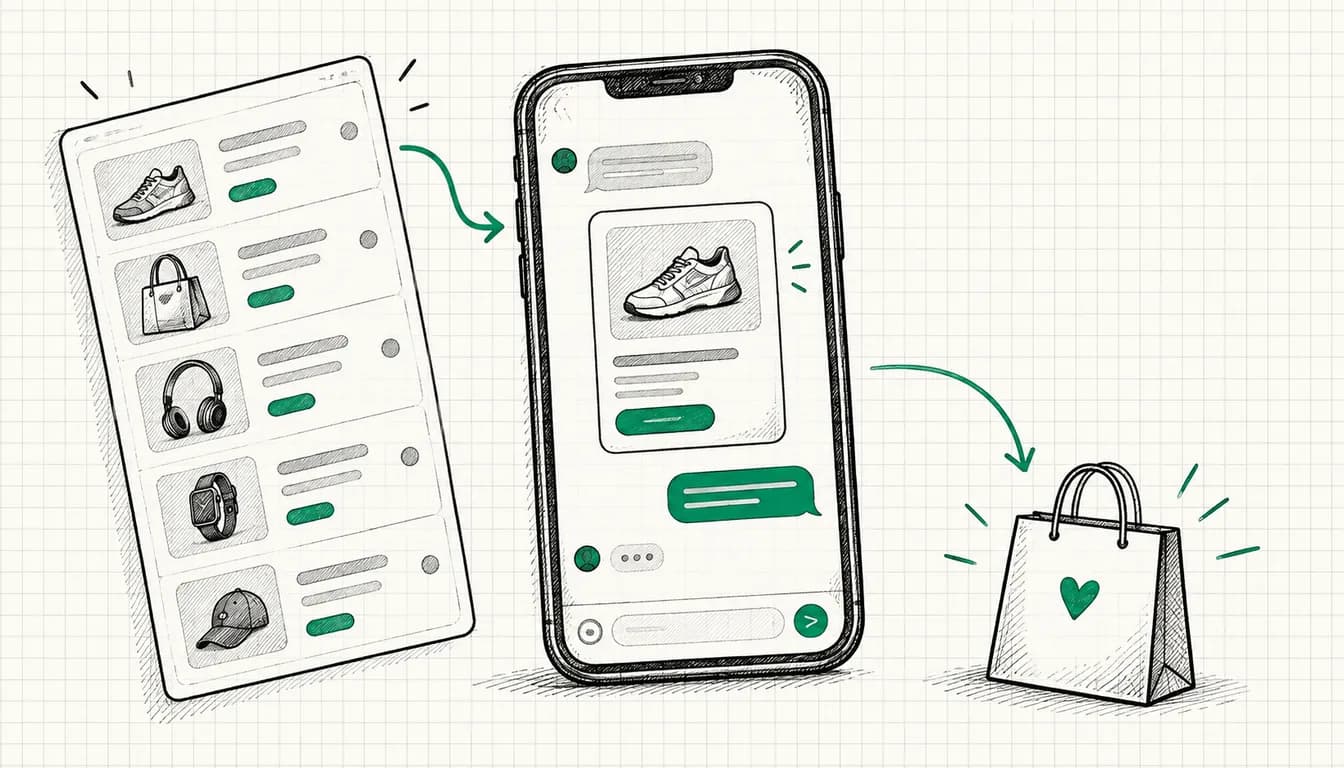
There are two ways to start with ChatGPT Ads. One: create the campaign, set a budget, let it run and check in three weeks from the gut whether anything happened. The other: be able to measure first, then spend money.
The difference matters more in this channel than usual, because one decision cannot be reversed once the campaign exists.
Why measurement comes before the first campaign
ChatGPT Ads offers three goals: CPM for reach, CPC for clicks and oCPC for conversions. With the last one you still pay per valid click, but delivery is optimised towards a single conversion event.
For exactly that, OpenAI names a hard requirement: pixel and/or conversions API plus at least one standard event. Two more restrictions from the help centre are worth knowing before you click: goal and conversion event cannot be changed after the campaign is created, and existing CPM or CPC campaigns cannot be switched over to oCPC afterwards. Start without measurement and you will rebuild the campaign later.
Then there is the bidding logic. In new ad groups "maximize results" is the default, so automatic bidding. OpenAI explicitly holds out no CPA or ROAS guarantee for it. As with every automatic system: it is exactly as clever as the data it receives.
The building blocks
The pixel. A browser SDK called oaiq, which OpenAI serves from bzrcdn.openai.com/sdk/oaiq.min.js. Two commands are enough to get started: init connects the page to your data source through the pixelId, measure reports an event.
The standard events. OpenAI provides a fixed list. The ones most businesses need:
| Event | What it stands for |
|---|---|
lead_created | Enquiry via form, callback request, request for a quote |
appointment_scheduled | Appointment booked, for example through a calendar link |
order_created | Order completed in the shop |
registration_completed | Registration completed |
trial_started | Trial period started |
checkout_started | Checkout begun but not yet completed |
The list is longer, including subscription_created and page_viewed. For optimisation, though, only the one event you set as the campaign goal counts, and that should be whichever event sits closest to your revenue.
The conversions API. The same reporting route, only from your server instead of the browser. It is independent of ad blockers, browser settings and short-lived cookies. OpenAI describes pixel and API as combinable.
The event_id. The key to combining them. If browser and server report the same event with the same event_id, OpenAI deduplicates. Without a shared ID you count twice, and the optimisation learns from the wrong numbers.
The click reference oppref. On the click, OpenAI appends the oppref parameter to your landing page URL, and the pixel stores it as a first-party cookie. That is how a conversion happening days later can still be attributed to the original click.
Automatic advanced matching. The pixel recognises form data, hashes it with SHA-256 in the browser already and sends only the hashes. According to OpenAI, raw data does not reach OpenAI.
The consent switch. The developer documentation names oaiq("consent", false). It belongs before initialisation, not after. The default is true, and on false the pixel sends no events.
UTM parameters. According to OpenAI they are preserved on clicks. That way the campaigns also land cleanly in your own analytics. Which GA4 channel ChatGPT clicks end up in and how to name the values consistently is covered in my UTM naming convention.
Step by step
Step 1: Create the data source in Ads Manager
In Ads Manager you first create the data source that all events will belong to. It provides the ID you use in the pixel as the pixelId and in your server calls. Without it, no event has a destination.
Step 2: Embed the pixel
The SDK is loaded on all pages, not just the thank-you page. The reason is the click reference: the pixel has to read oppref from the URL on arrival and store it as a first-party cookie, and that happens on the landing page, not at the end of the funnel.
Initialisation itself is a one-liner:
// Connect the data source once consent is in place
oaiq("init", { pixelId: "YOUR_PIXEL_ID" });
Step 3: Fire the event
You fire the event where the conversion actually happens: after the form has been submitted successfully, not on the click of the submit button. The measure call takes three things: the event name, the event data and the options. The event data carries a type, per the documentation customer_action for enquiry, appointment and registration, contents for order, checkout start and page view. An amount is optional, and once it is set, currency becomes mandatory. The event_id belongs in the options, you assign it yourself and keep it, because the server will need the same one later.
// Standard event with type and your own ID for later deduplication
oaiq("measure", "lead_created", { type: "customer_action" }, {
  event_id: "lead-2026-09-02-4711"
});
Step 4: Test before budget flows
Before launch, check three things: does the event arrive in Ads Manager, is the cookie with the click reference set, and does the parameter survive your redirects. From experience the third point is the most common flaw in entire setups: a redirect from the landing page strips the query parameters, and after that no attribution is possible.
Step 5: Add the conversions API
The server route reports the same events a second time, independent of the browser. What matters is only that both sides use the same ID:
// One ID, two routes: browser and server report the same event
const eventId = "lead-" + submissionId;
The awkward part of server-side measurement, in my experience, is not the call itself but the click reference: it lives as a first-party cookie in the browser and has to travel from there into your server logic. Anyone already running server-side tagging has usually built that path already.
Step 6: Clear the OpenAI crawlers
OpenAI explicitly requires advertisers not to block its own crawlers on the landing page. The ones concerned are OAI-AdsBot and OAI-SearchBot, and they matter in two places: robots.txt and your firewall or WAF.
User-agent: OAI-AdsBot
Allow: /

User-agent: OAI-SearchBot
Allow: /
With bot protection at CDN level in particular, robots.txt is not enough. If an ad does not deliver for no obvious reason, that is the first place to look.
Consent: what you can do technically
I am deliberately saying nothing here about the legal assessment, that belongs with your data protection adviser. Technically, though, the case is clearly structured, and you know the pattern from Google Ads.
The principle: the pixel is only initialised once consent for marketing cookies is in place. While it is missing, you either do not load the SDK at all or you set the documented switch beforehand:
// Without consent: set the switch before initialisation
oaiq("consent", false);
Anyone who has wired up consent mode v2 properly knows the logic: the default state is denial, and only the click in the banner releases the measuring tags. The category in your consent banner is the same one as for the Google Ads tag, and your privacy policy needs an entry naming OpenAI as a recipient. Both belong before the campaign start, not after.
What you see in reporting afterwards
OpenAI reports impressions, clicks, spend, click-through rate, average CPC, average CPM and conversions. That is less than Google Ads gives you, but it covers the questions that count in the first few weeks: is reach happening, are people clicking, and does anything come of it.
What you cannot measure your numbers against is the market: OpenAI states itself that it does not yet have performance benchmarks across advertisers, industries or campaign types. So any industry figure you come across for ChatGPT Ads right now is at best a single observation. Your yardstick is your own conversion tracking and the arithmetic of what an enquiry is worth to you.
What OpenAI currently does not document
Two points that stand out immediately in practice and simply have no answer in the documentation:
The length of the attribution window. Click reference, cookie and conversion measurement are described, but how long a click is credited to a conversion is currently not described in the developer documentation. Keep that in mind when comparing against Google Ads or GA4.
A tag manager integration. An official template for Google Tag Manager is currently not described in the developer documentation. You can still embed the pixel as a custom HTML tag, but then with your own consent conditions attached to the tag.
Both can change, the platform is officially in beta. Anyone starting today should keep an eye on the documentation.
In short
Data source first, then the pixel, then the one event that counts. The conversions API comes in as a second line, connected through a shared event_id, and the OpenAI crawlers need free access to your landing page. All of it can be done in a morning, and all of it gets more expensive when you retrofit it.
How to build the ad groups behind it is covered in context hints for ChatGPT Ads, and the full picture in the article on ChatGPT Ads in Germany. Whether the channel is worth it for your offer is answered in a few minutes by the ChatGPT Ads check. Which campaign objective I would start with in each industry is in the overview by industry. And if setup and management should move into other hands: the terms are on the ChatGPT Ads service page.
Sources
- OpenAI Help Center, Conversion Measurement: help.openai.com/en/articles/20001409-conversion-measurement
- OpenAI Help Center, Conversion-optimized Campaigns: help.openai.com/en/articles/20001412-conversion-optimized-campaigns
- OpenAI Help Center, Maximize Results Bid Strategy: help.openai.com/en/articles/20001425-maximize-results-bid-strategy
- OpenAI Help Center, Ads in ChatGPT, The Basics: help.openai.com/en/articles/20001207-ads-in-chatgpt-the-basics
- OpenAI Help Center, Billing and Payment: help.openai.com/en/articles/20001216-billing-payment
- OpenAI Help Center, Frequently asked questions: help.openai.com/en/articles/20001220-frequently-asked-questions
- OpenAI Help Center, Advertiser Guidance for Allowing OpenAI Web Crawlers: help.openai.com/en/articles/20001243-advertiser-guidance-for-allowing-openai-web-crawlers
- OpenAI Developers, Ads documentation: developers.openai.com/ads
- OpenAI Developers, Measurement Pixel: developers.openai.com/ads/measurement-pixel
- OpenAI Developers, Supported Events: developers.openai.com/ads/supported-events